Find a Router IP Address on iPhone or iPad in 10 Seconds!

find a router ip address on iPhone iPad iOS 11

Who Needs to Know a Router IP Address?

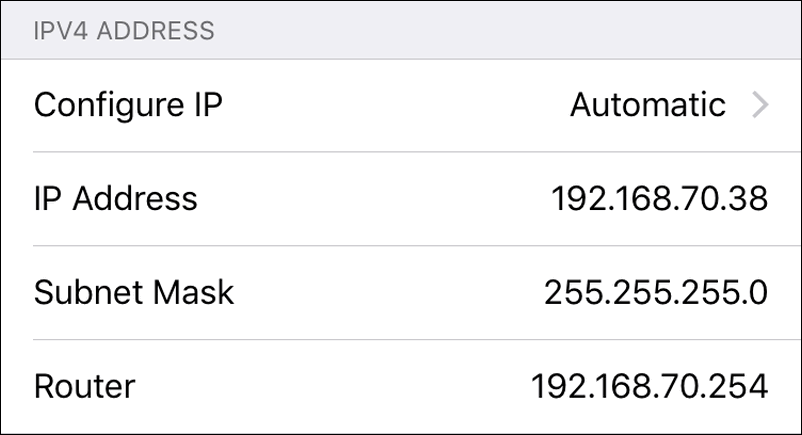
In some situations you may really need it. The most frequent reason to find your router IP address is when you want to log in to its settings but the default IP address specified on the label seems to be wrong. Thus you have a choice: to reset your router to factory defaults and face all those mess with setting it up from a scratch or finally find the current router IP and gain access to its web configuration. And here is how to find it! Screenshots taken on iOS 11.2.
Read more

How To Use AR Stickers On Google Pixel Or Pixel XL

Google Augmented Reality

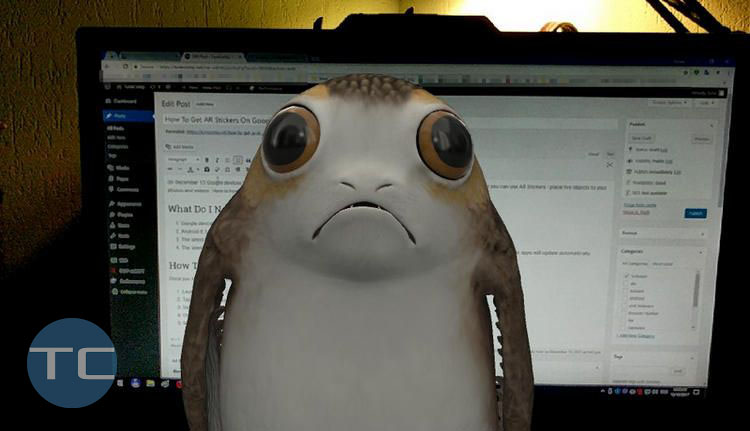
On December 13 Google Pixel and Pixel 2 received an update that brought the Google AR Stickers feature (Augmented Reality) to devices. Now you can insert 3D virtual characters to your photos and videos so they will look as if they are really located in your room or walk around together with your friends or children. Here is how to enable and use AR Stickers on Google Pixel series. 

Read more

How To Change RDP (Remote Desktop) Port On Windows 10

connect to RDP server non-standard port

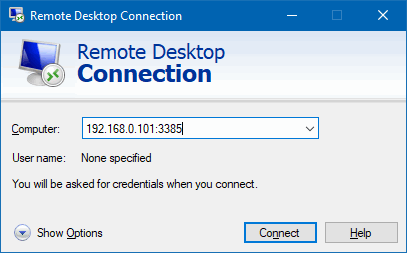
Many of you use Remote Desktop feature to access your home or work computers running Windows 10. All you usually need to do to implement this is set up a port forwarding rule on your router.

You can receive incoming connections on any port and direct them to RDP port of the Windows workstation on the LAN. But what to do if your PC is connected directly to the Internet without a router? How to configure the remote access and stay secured? The answer is – change remote desktop port in Windows settings.

Read more

How To Change iPhone’s Network Name (Hostname)

iPhone's network name on router

Step-by-step guide on how to change the network name of your iPhone or iPad. This guide will also help you to change the name of your iPad and iPod touch. 

What’s the Network Name?

Every device has the network name (a.k.a. hostname). When talking about Windows PC, your laptop or desktop can be accessed by hostname or IP-address on the LAN or even Internet. But mobile devices also have it.

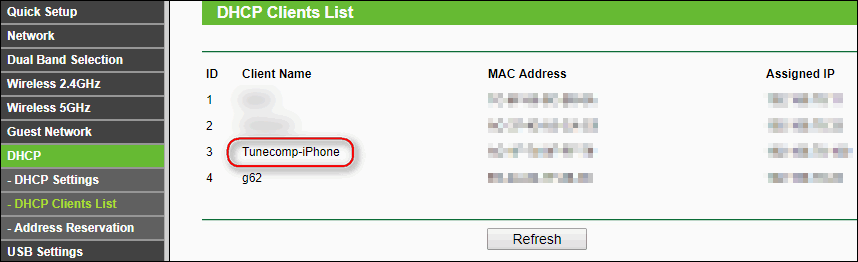
The closest example: if you log in to your router’s web interface, open the DHCP Clients List section you can find your iPhone in the list mentioned by its hostname. By default apple devices have a network name like Brian’s iPhone or Amanda’s iPad

Read more

How To Switch An iPhone To 2G Mode

iPhone in 2G mode

Why Do It

Normally iPhone is configured to work in 3G or LTE depending on the country where you are using the device. When the signal of LTE is weak your phone will switch to 3G.

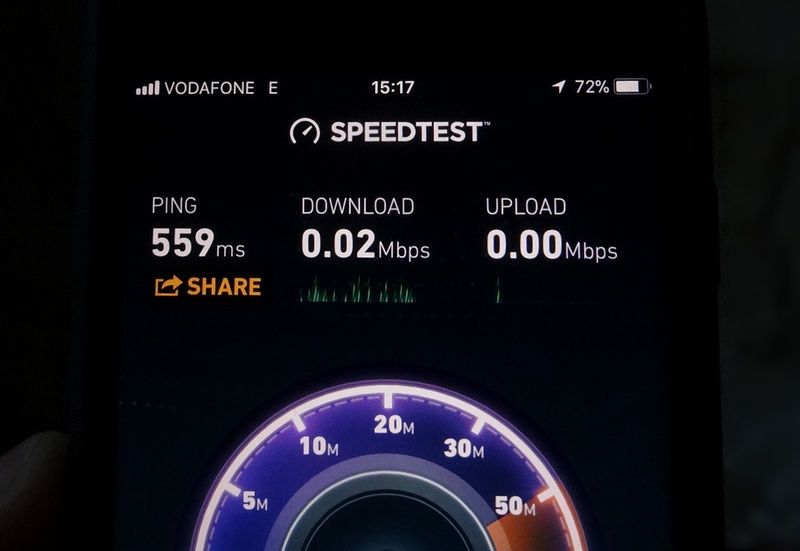
If 3G network coverage is poor iPhone will switch to 2G respectively. In some areas you can face the situation when the signal of 3G network is so weak or unstable that your iPhone will endlessly jump from 3G to 2G and backwards, causing a frenzied battery discharge.

In addition, you may notice a terrible quality of voice transmission. In such a case it is recommended to temporarily switch your iPhone to 2G to save the battery and at least be able to hear the person you are talking to.

Read more

Disconnecting Nearby Wi-Fi Until Tomorrow On iPhone

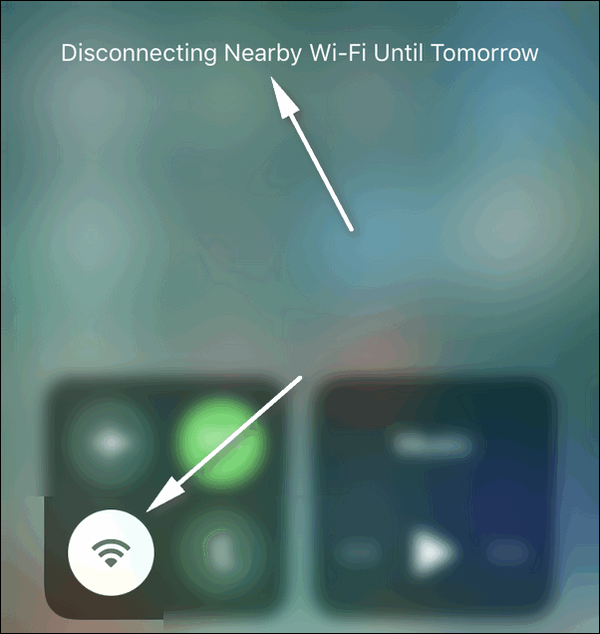
iPhone devices receive the update to iOS 11.2. In the information it is declared about Apple Pay Cash to send, request and receive, improvement of stability and bugs fixes. One of the first things you will surely notice is that you cannot turn off Wi-Fi completely anymore. Tap on the Wi-Fi toggle in the Control Center and you will see the notification “Disconnecting Nearby Wi-Fi Until Tomorrow“: Disconnecting Nearby Wi-Fi Until Tomorrow

Read more