Where Is Network And Sharing Center In Windows 10 & Windows 11

Where is Network and Sharing Center Windows 10

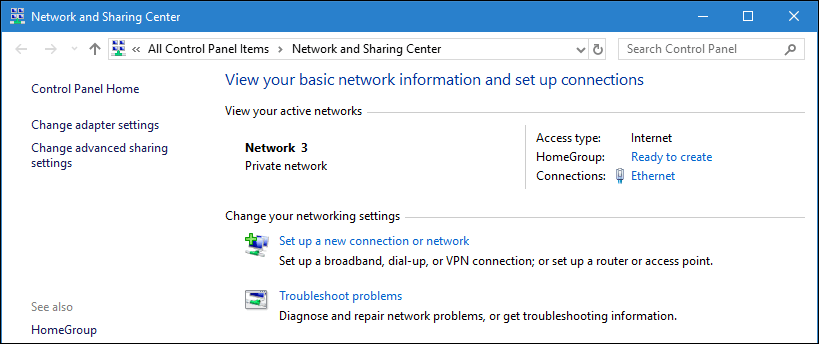
Where is Network and Sharing Center in Windows 10? Has it disappeared? Actually, not yet. The thing is Microsoft gradually moves the applets from the Control Panel to a new Settings app.

If you have Windows 10 Fall Creators Update (version 1709) or later version installed on your PC, you won’t see familiar “Open Network and sharing center” any more when you right-click the Ethernet or Wi-Fi icon the Taskbar. You see “Open Network and Internet settings” instead.

Windows 10 is like a living organism that is constantly changing and evolving. That’s why we have to modify our tutorials related to this OS because after each update there are many things that won’t work any more.

In this post we will explain how to find and open Network and Sharing Center in Windows 10 of the latest version and create a shortcut on the desktop. By the way, there is a high probability that this guide won’t help after the next Windows 10 update.
Read more

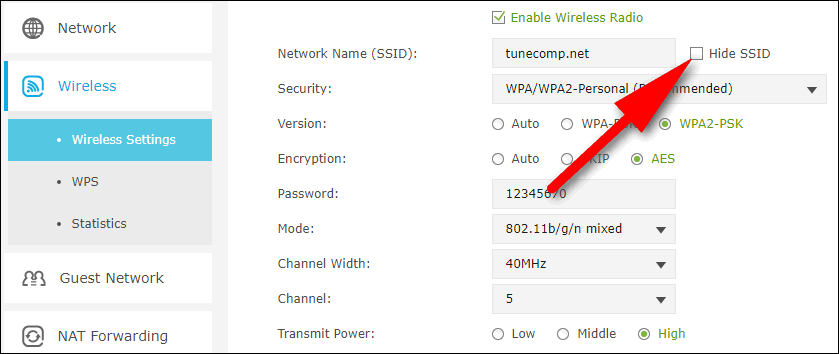
How To Hide SSID On Wireless Router Or Access Point

hide ssid on router

Why disable SSID Broadcast?

There can be several reasons why you may want to hide SSID:

  1. you don’t want anybody to see and know your network’s name. For example, if the the name of your corporate Wi-Fi is your company’s name, your personal name or your apartment’s number, etc.
  2. you want to take an additional step to improving the security of your network. SSID serves as a login while the wireless security key works as a password when connecting to a wireless network. Usually a client should enter only the password to connect. But when the SSID is hidden someone who wants to join your hotspot needs first to correctly input the name and only then – a correct password. But note, that if a person is a skilled hacker, hiding your SSID won’t help at all.

Here is our step-by-step guide on how to disable SSID broadcast on your Wi-Fi router or access point. 

Read more

Google Photos Uses Too Much Cellular Data On Android And iOS

Google Photos Uses Too Much Cellular Data

Google Photos Wastes Too Much Cellular Data

Google Photos is an extremely popular app designed to store, view, manage and backup your precious moments of life in image and video formats. Personally I use it on my both devices: Pixel and iPhone.

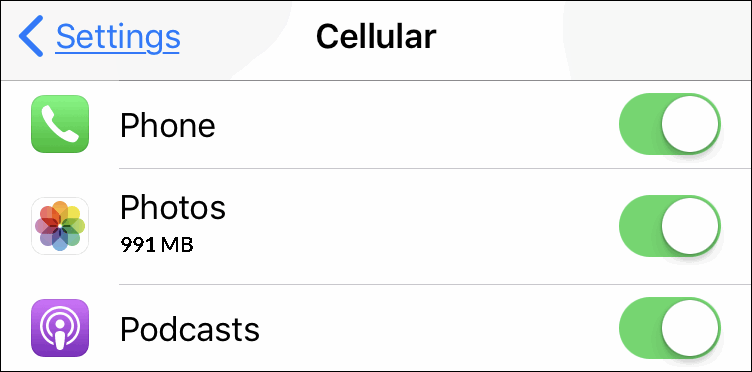
But, as you might know, images and especially videos consume a lot of storage when backed up and use a decent amount of cellular data when you view it (and even browse through the thumbnails).

Read more

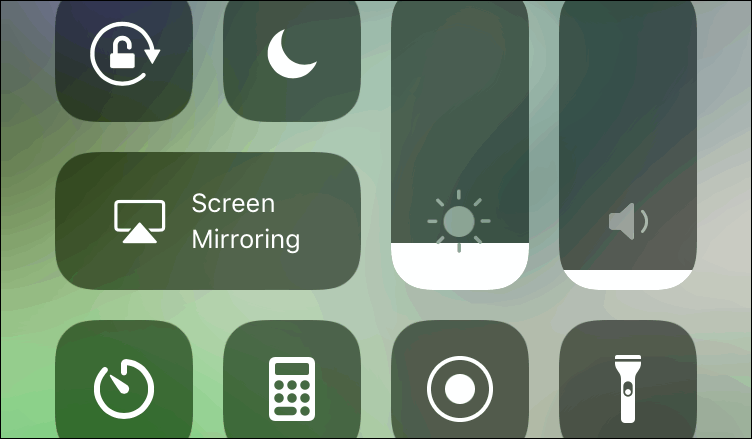
Turn Off Auto-Brightness In iOS 11, 12, 13: Where Is The Toggle?

turn off auto-brightness iOS 11

Another iOS 11 “Improvement”

Auto-Brightness Toggle was logically located in Display & Brightness in iOS 10. Right under the brightness slider. Oh, God. How convenient and intuitive it was. But in iOS 11 it disappeared for some reason. Maybe, the developers decided that “auto” mode works so perfectly that you will never want to disable it. So perfectly that you don’t even need to know where the Auto-Brightness toggle is located now. But personally I dislike the way the auto-adjustment works in many cases. That’s why I prefer to turn off Auto-Brightness in iOS 12 exactly like I did in the previous version. But how to find the toggle? Where do you think it is hidden? 

Read more

My Photos Won’t Upload To Google Photos For A Long Time

Google Photos desktop

The question

I have to wait for a long time until my photos upload to Google Photos even when I’m connected to my router’s Wi-Fi network. I log in to https://photos.google.com/ on my laptop, press F5 but I can’t see new images in the roll. Yesterday it took them about an hour or so to start backing up after I came home with my phone. What’s wrong? Thank you.

Read more

How to Set Up a Wi-Fi Hotspot on Android 11, 10, 9, 8, 7

Wi-Fi Hotspot is a marvelous feature that allows you to use your Android phone or tablet as a router. Thus, you can share your mobile Internet connection via Wi-Fi with other devices: tablets, laptops, another phones, desktops, anything else that has built-in or external 802.11a/b/g/n compatible wireless module (or a Bluetooth capability as a backup variant).

Thus, you can connect several client devices to your hotspot and consequently to the Internet at the same time. Of course, they will share your bandwidth and the Internet speed will decrease proportionally. In Wi-Fi Hotspot mode your mobile data functions as the WAN port of a router and your Wi-Fi interface – as LAN ports. Here is our guide on how to set up a Wi-Fi hotspot on Android 8 and 7 and use your Android phone as a router.

Read more