TP-Link Archer C7 Hangs Every Day. How To Fix?

tp link archer c7

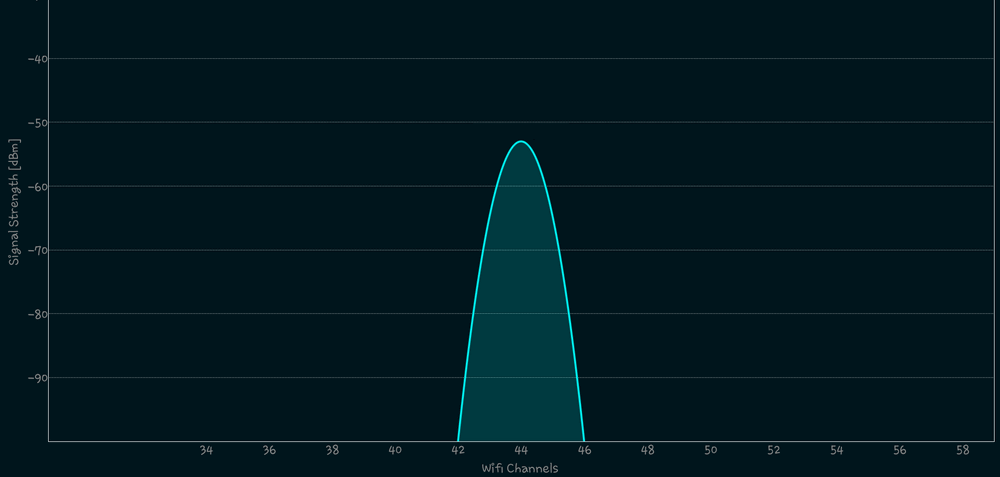
TP-Link Archer C7 (hardware version v2) is the most unstable-working router I ever had. It randomly stopped working at least once in two days.

Sometimes I had to restart it three times a day but Internet was constantly dropping (even when connected via Ethernet) and Wi-Fi kept disconnecting all the time. Now and then 5 GHz network dropped until I power cycled the device.

In summer 2017 I tried to upgrade its firmware to the latest version but nothing helped and I continued to reset the router on freeze.
Read more

How to Add Another Input Language on Android or Remove Keyboard Language

add another keyboard language Android 8

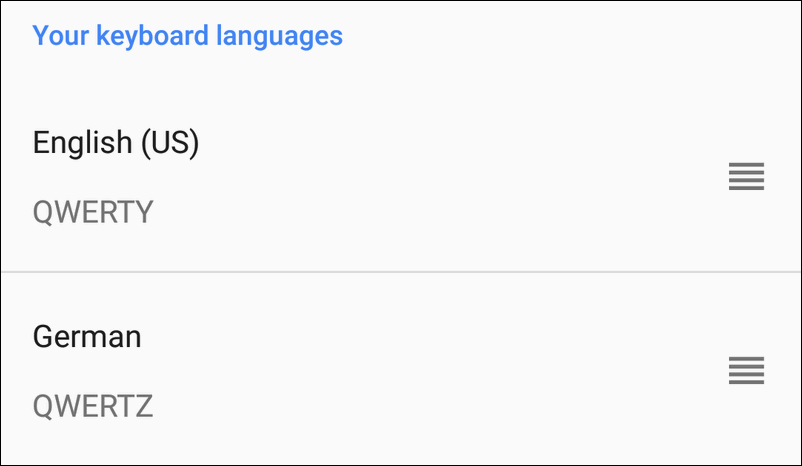
When you initialize your phone during the first startup you select the system language (locale for UI). Android 8 and 7 automatically set it as your input language as well. For English-speaking countries it is usually enough to use default settings and have the single input language. But you might also need to have several input methods.

For instance, you might want to communicate with your friends using German while you prefer using English for your work. Here is how to turn off the default settings and manually add another input language (or even several) to your current keyboard on Android 9, 8 and 7. The guide works for Android 6 Marshmallow as well.

Read more

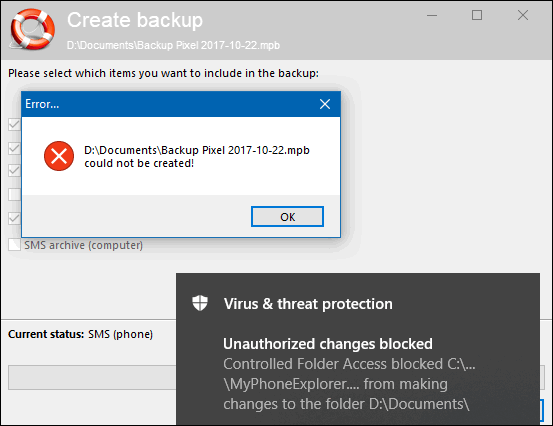
Controlled Folder Access in Windows 10: How to Enable and Set Up

program blocked controlled folder access

Controlled Folder Access is a feature introduced in Windows 10 Fall Creators Update released in October 2017. It is designed to protect your folders with some important data (for example, documents) from unauthorized changes performed by untrusted, unwanted programs or malware (encryptors in particular).

When the feature is enabled Windows 10 will block access to your sensitive data if the app accessing files in a protected folder is not considered as trusted or its behavior seems to be suspicious in some way. Here is how to enable it in Windows 10 and enable protection of your most important folders.

Read more

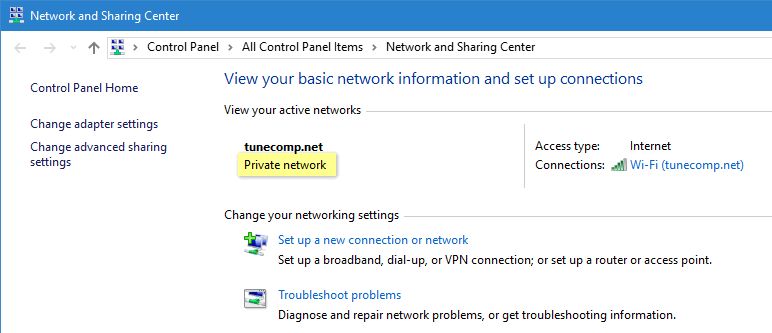
Change Public Network to Private in Windows 10

I’m sure, most of you’ve noticed the word “Public” under the network name in Windows 10 many times. But I bet that few of you really know what this description means in fact. Some time ago a friend of mine asked me with a frown “How can my home Wi-Fi be public?” what made me laugh a lot. Well, from this article you will learn about the following basics:

  • what is the difference between public and private networks;
  • how to change public network to private in Windows 10, regardless of whether it is wireless or wired.

Read more

Connect To A Hidden Wi-Fi Network On Windows 10, Android and iOS

Hidden Wi-Fi Network

The ultimate step-by-step guide on how to connect to a hidden Wi-Fi network (hotspot that is not broadcasting its SSID) on Windows 10 desktop or laptop, phone or tablet with Android 8, 9, 10, iPhone or iPad (iOS 11, 12, 13)

As you probably know, you can hide your Wi-Fi network name in the settings of your wireless router (or access point) to improve security of your hotspot. After you hide SSID, everyone will first need to enter the correct SSID and only then – a valid security key to connect to your wireless network. And here is how to connect to a hidden Wi-Fi network that doesn’t broadcast its name.

Read more