How to Check Battery Health on iPhone Without Third-Party Apps

how to check iPhone battery capacity and health

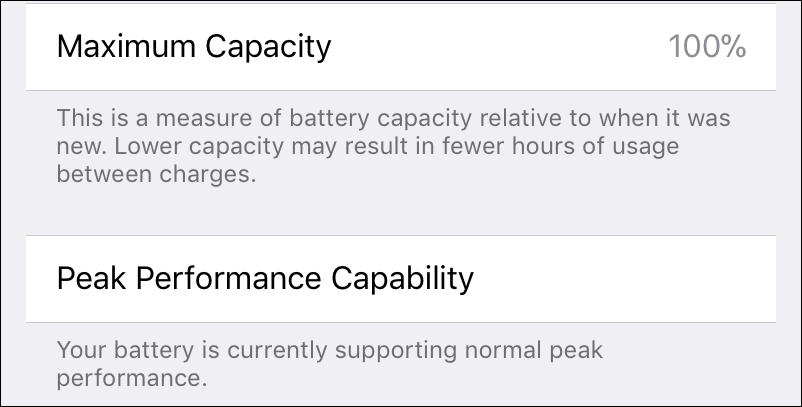
You must have heard that Apple confirmed that they are slowing iPhones’ performance as their batteries lose capacity. And they lose capacity as they age which is normal for every rechargeable battery.

Apple says these (slowing down) measures are undertaken to extend the iPhone’s working time and improve its standby mode. It means that when iOS detect that your battery starts to lose the capacity the iPhone’s peak performance is being deliberately limited by using CPU throttling technology – decreasing processor’s frequency.
Read more

Skype Not Working. Stuck “Connecting” and Blue Status Icon

skype wont connect to the internet

In this article, read how to get Skype to connect to the server and work so that you can call, exchange messages, send and receive files.  

Skype stopped working. The classic app won’t connect to the network and sign in to the user account (February 2018)

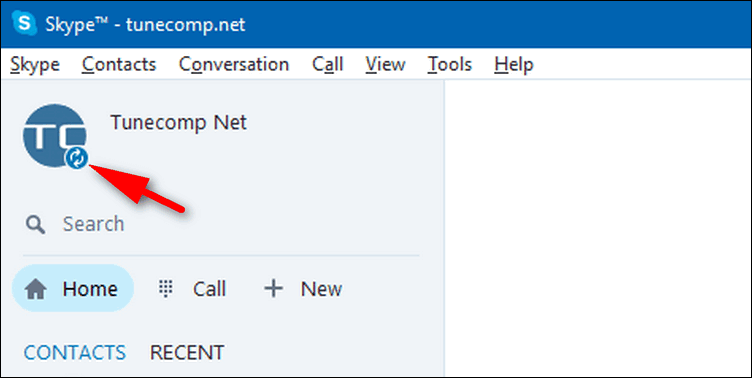
Skype has been glitching for at least a week by now. When you launch the classic app (UWP) it shows you a blue icon and displays Connecting… in the status bar but won’t connect and shows your contacts as offline. Here is 4 solutions to fix Skype sign-in and connectivity issues that you can face in February 2018.

Read more

TP-Link Archer C7 v2 – Upgrade Firmware

start firmware upgrade tp-link router

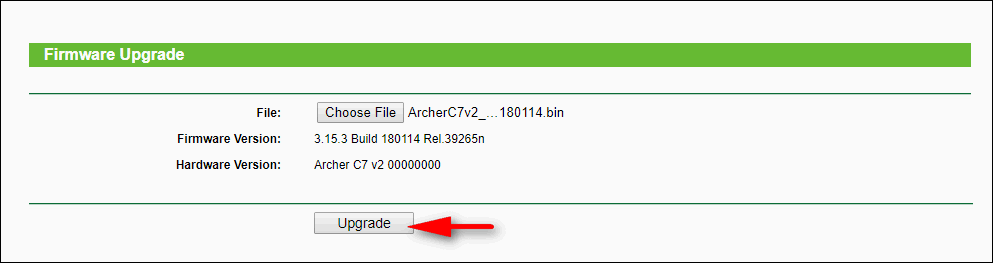
TP-Link released the new firmware for Archer C7 v2 router. New firmware contains new bug and vulnerability fixes as well as new features and enhancements.

As the official TP-Link website goes, they have fixed the WPA2 Security (KRACKs) Vulnerability and the bug in resolving some specific domains when the router works as DNS server.

Besides that, they added the following enhancements: SMBv2 support in the USB sharing and improved router’s performance on the 2.4G wireless network. Here we provide our step-by-step guide on how to upgrade your TP-Link Archer C7 to the latest firmware version.

Read more

How to Manually Check for Updates in Windows 10

Updates are extremely important for operating system because their primary purpose is to maintain its security at a proper level by eliminating vulnerabilities.

On top of that, they often bring new features and improvements that is so exciting. By default Windows 10 is configured to automatically check for updates, download them and install. However, you may set your active hours to tell your operating system when you don’t want your computer to reboot.

But you may want to check for updates, download them and install immediately. Why? Perhaps, if you know that the next hours you will have only the metered Internet connection and it wouldn’t be convenient for you to download and install updates. For instance, when you plan to travel by car and use your mobile data instead of your home unlimited plan.

Read more

Enable AHCI Without Reinstalling OS in Windows 10 and 7

SATA AHCI Mode Enable

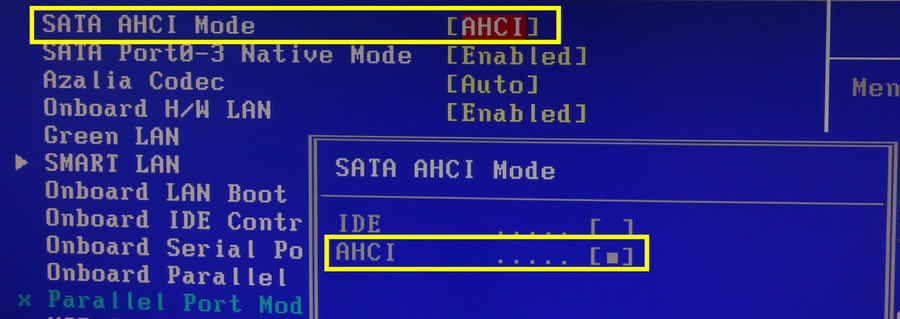
AHCI (Advanced Host Controller Interface) mode is a communication mode that serves to connect storage devices using SATA interface with the support of NCQ and hot plug features.

On practice this mode often provides faster read/write speeds while using HDDs and especially SSDs.

Quite often users find that they have AHCI disabled and try to enable the mode in UEFI (BIOS) but get the BlueScreen issue with the code Inaccessible_boot_device.

Read more