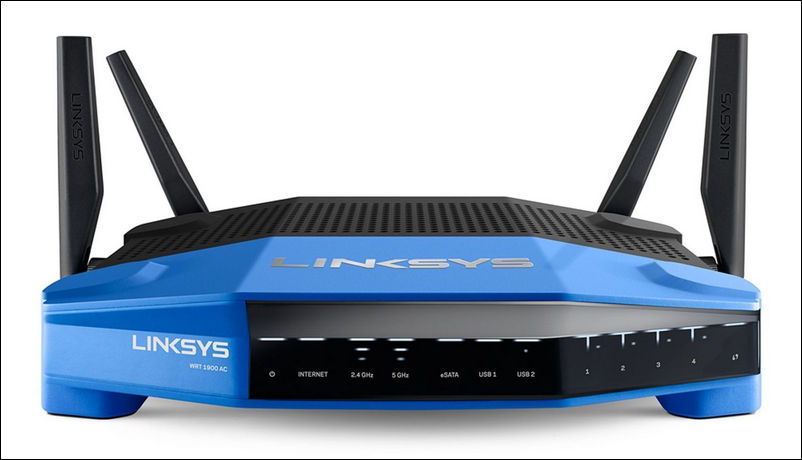
Everybody knows that the simplest way to reboot your router is to power it off and on using the Power button at the back of the unit or just by unplugging its power supply unit from the AC outlet. But you may need to reboot your LinkSys router remotely if you cannot access it physically at the moment. For example if the router is acting up or you need to apply new settings right now.
Use Android Phone as USB Wi-Fi Adapter or LTE Modem for Windows PC
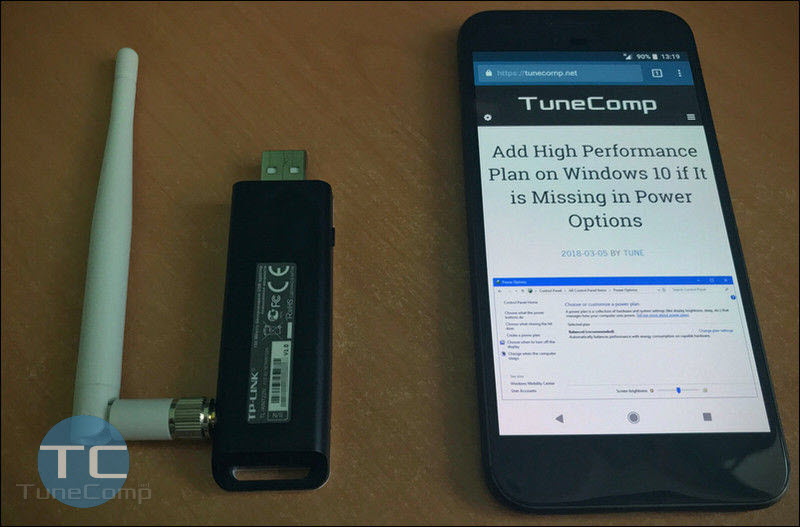
Sometimes friends ask me “Is it possible to use my Android instead of a USB Wi-Fi adapter/dongle?” Such question arises especially often when it goes about connecting your desktop PC which doesn’t have a wireless network card to the Internet. Another situation is when the Wi-Fi module inside your laptop is broken. In one of our previous posts we wrote about how to turn your Android device into a wireless router to share its mobile data over Wi-Fi. But what to do if your PC doesn’t have neither a Wireless card nor even a dongle?
How to Change Google Assistant to Male or Female Voice
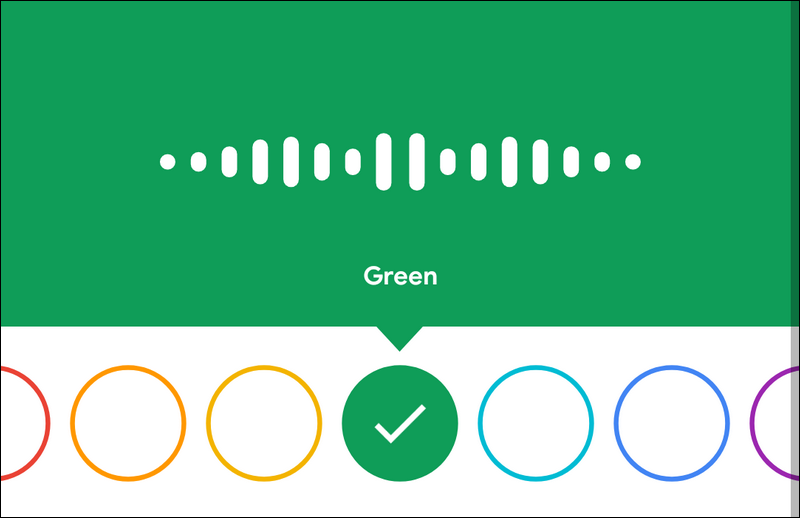
Google Assistant is built-in feature that helps you quickly get answers on your questions. You can just say “Ok Google” or long press the home button and start asking your phone or tablet to send email, call someone, find the nearest restaurant, or just learn what is the weather forecast for today.
By default Google Assistant uses a female synthesized voice. It is nice I should say. But you can make it talk to you using a male voice if you want something new on your smartphone. By the way it is cool to switch to a male voice just to surprise your friends and everybody around you. People will ask you “Wow! What app is this?” because they don’t know that you can actually change the voice. And here is a step-by-step instruction on how to do it in the voice settings.
How to Boot Your Galaxy S9, S9+ into Recovery Mode and Download Mode
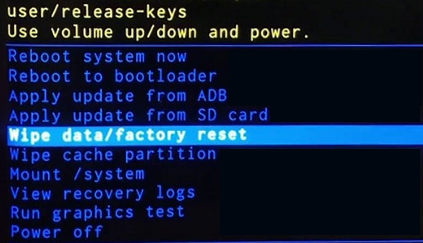
In this guide we will explain the easy steps to boot into recovery and download modes on Galaxy S9 and S9+ with images. So you will always be able to reset your device from the ‘brick” condition, fix all the issues in the case if it is glitching, install updates, boot to bootloader, etc.
You may need to boot your Galaxy S9/S9 plus into Recovery mode if you decide to factory reset your phone or for example wipe cache partition that is often a must when troubleshooting persisting issues.
Samsung Galaxy S4, S5 Cannot Detect New Ringtone
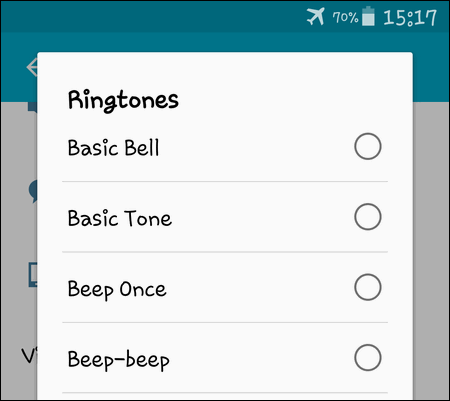
Today I will tell you about a strange glitch that happened to one of my Android devices this week. I decided to change the ringtone on my old Galaxy S4 (i9500) running Android 5 which I use now as my secondary cell phone.
Thus, I prepared a small mp3 file that contained a short loop of a track and uploaded it to my Galaxy phone via USB cable. I stored the file into device’s memory because I don’t use a memory card on this phone.
How to Permanently Turn Off Wi-Fi and BlueTooth on iPhone

Some time ago we wrote about new features of iOS that arrived in December 2017. Since iOS version 11.2 wireless modules on your iPhone started telling you Disconnecting Wi-Fi Until Tomorrow.
But our reader asks: How can I turn off Wi-Fi and Bluetooth on iPhone to make corresponding Control Center toggles transparent instead of being white. Just right the way they looked in iOS 11.1 before the December update. I mean switch them off completely, but not “untill tomorrow”. Here we will explain how.