How to Make Xiaomi Redmi Note 5, 6, 7 Record Video in 4K Resolution

Xiaomi Redmi Note 5, 6 shoots 4K video

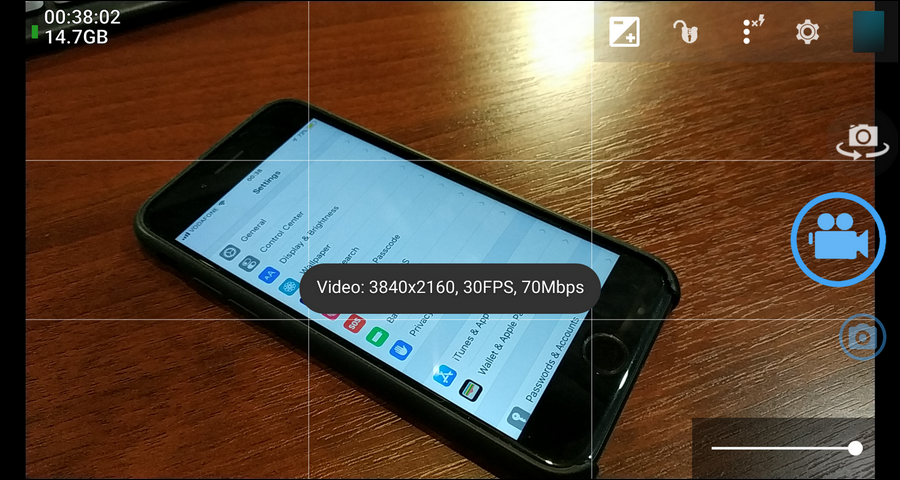
Xiaomi Redmi Note 5 (Note 5 Pro, Note 5 AI Dual Camera) as well as its follower model Redmi Note 6 record video in FullHD 1080p at maximum using its native Camera app. But since the phone has a rather powerful Qualcomm Snapdragon 636 CPU it can shoot video at higher resolutions without problems.

In this guide I will explain how you can force your Xiaomi Redmi Note 5 phone record 4K 30 FPS. Besides that, you will learn how to fix app crashes during the video recording and how to improve your video quality.

Read more

Mic Won’t Work with Front Panel – Noise Instead of Voice [AORUS Pro]

Headphones and mic jacks

The Question

Question: Hi! I have a problem with the mic and sound recording on my PC. I recently bought a new computer based on Gigabyte Z390 Aorus Pro and Core i7 9700k CPU. I installed Windows 10 x64 Pro and all updates.

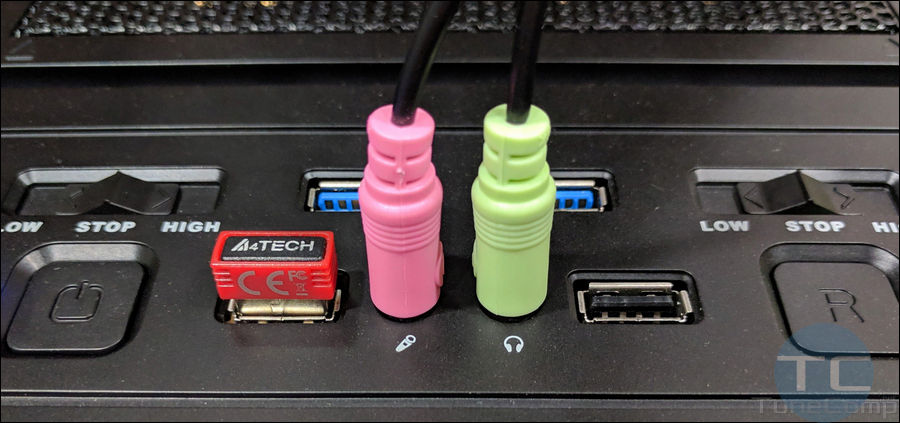
Everything works fine: I can listen to music, I can use my headphones and mic when connected to the rear panel. But the mic doesn’t work when I plug my headset in the 3.5 jack on the front panel. The sound plays fine but the mic produces the strange noise.

Read more

Telegram Displays Deleted Contacts and Adds Them to Google Contacts – How to Fix The Sync Problem on Android

fix Contact Sync in Telegram

In this article I will explain why you can see deleted contacts in Telegram (or vice versa – why you don’t see people who you recently added to Google Contacts in Telegram) and how to fix the problem.

From time to time I hear such questions from my friends:

  • Why does my Telegram app display people that I deleted from contacts a very long time ago?
  • When I installed Telegram and allowed it to restore from its server backup it added old contacts to my Google Contacts app and now there is a mess there! How can I fix that?
  • How can I delete a contact from my Telegram messenger? I removed that person from the Contacts app on my Android phone but it is still on my contact list in Telegram!

Read more

View Full Desktop Version of Facebook Site on Android

facebook.com desktop full site

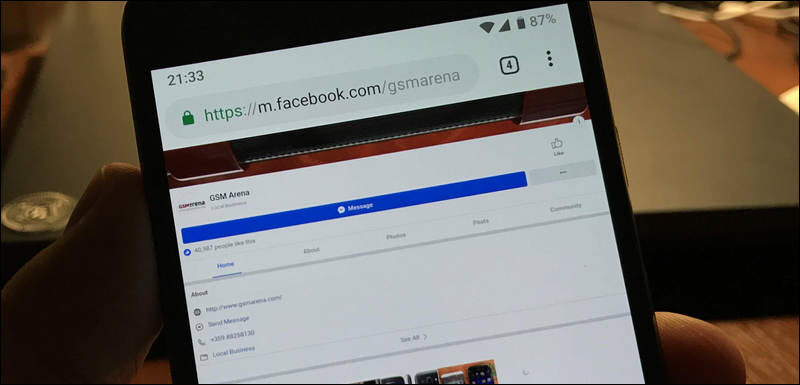
Sometimes you need to access the full version of Facebook site – the same web page as you open on your desktop computer. And here is how. I will show you how to view the full site of Facebook.com on my Google Pixel running Android 9 Pie.

Many people especially those who use Facebook for work prefer working with the full version of their website, even from mobile. They say, it is much more handy and besides that the Facebook app and the mobile version of the official website don’t provide all the features of the desktop variant. 

Read more

How to Activate Power Button Ends Call on Huawei P40, P30

end call with power button Huawei

In this guide we will explain how to configure your Huawei phone to end call by pressing the Power button. This option works on P20 Pro, P20 lite, Nova 3i, P9 and any other phone running EMUI. 

You can configure your Huawei phone to end the phone call by pressing the Power button. However, this option is deactivated by default because the manufacturer wants its phone to be as predictable and as intuitively easy to use for the customer as possible.

The thing is that the majority of people who are not geeks won’t be happy if their gadget would do something different than turning the screen on and off when they press the power button.  

Read more