Huawei phones running EMUI 10, 9 and 8 have unlock password option selected by default. But many of you don’t like to enter 6 digits every time you want to access your phone.
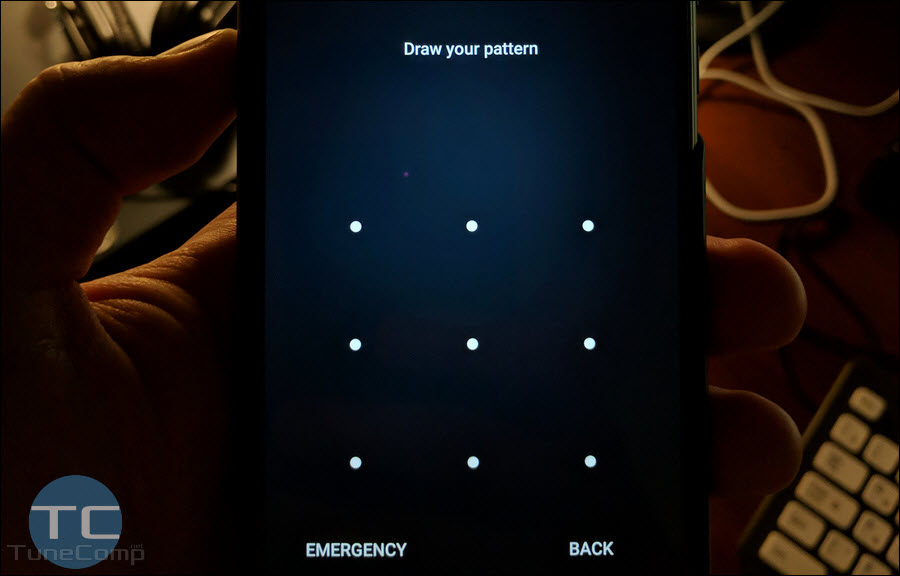
The majority of users prefer to use a pattern instead because it is much faster to draw a pattern then target digits on the keyboard. Password, PIN or pattern are used when you don’t use the fingerprint reader to unlock – for example, when it is not convenient for you.
Besides that, you must type password or draw your security pattern after you turn on or reboot your device. Here is how to switch the security mode from password to pattern on Huawei running EMUI 10, 9 and 8. This guide will be updating as new EMUI versions are released.