In this guide we will explain how to display notification badges as numbers instead of non-informative circles (dots) on Xiaomi Mi and Redmi devices.
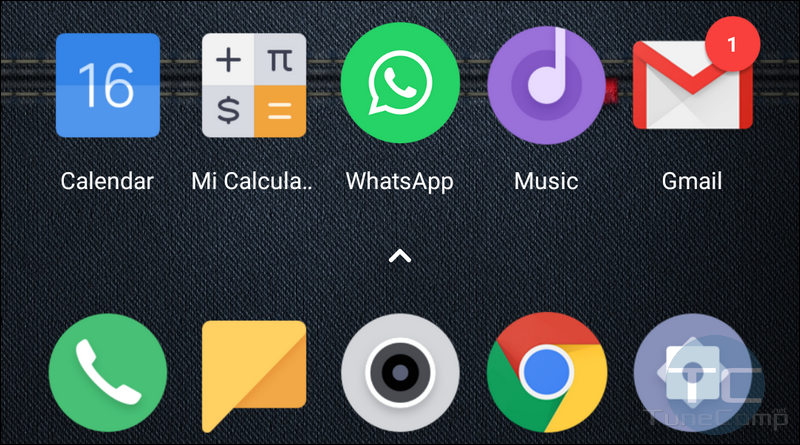
By default you will see notification circles (dots) when the app has updates. In this case you won’t be able to know exactly how many unread notifications you have. But you can allow MIUI display the counters with numbers to see a little bit more details.
Thus, you will be able to know how many unread messages you have in WhatsApp or Facebook Messenger by just looking at the corresponding app icon on your Android home screen. My personal point of view is that this feature is informative and very cool. And here is how to switch from circles to numbers on Xiaomi’s MIUI 12, 11, 10 and 9.
Read more