How to disable auto replace on Android

disable auto replace on android

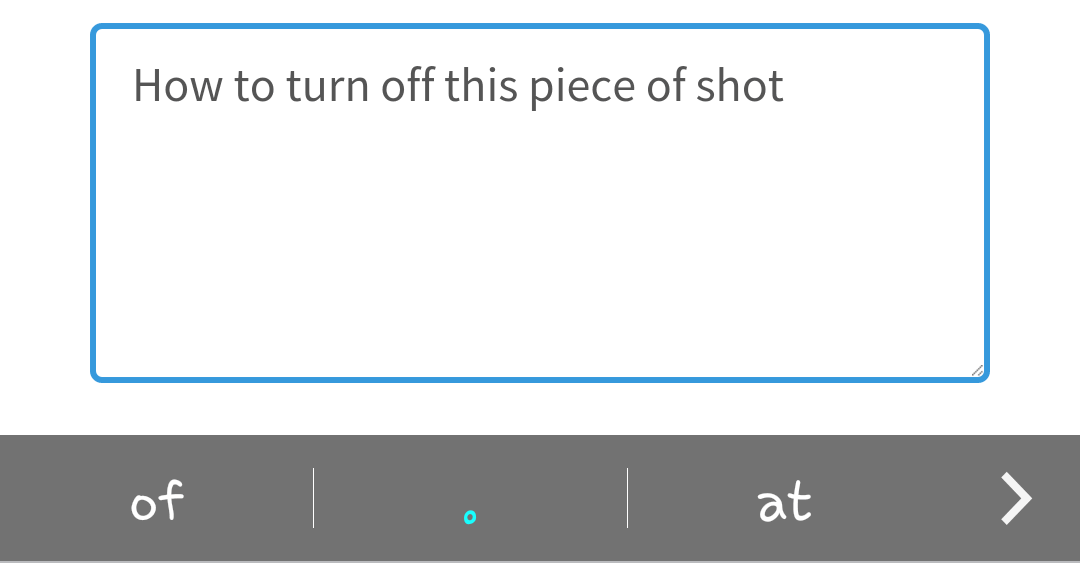
Many users search how to disable annoying auto replace (automatic correction) on Android smartphones. The feature itself can be really useful for people who use only bookish vocabulary. It is designed to complete or replace the typed word with the most probable one to ease the typing process.

But in many cases, especially when the slang words are used, this feature can bring the user to a white heat replacing words with absolutely wrong ones. Here is how to disable it on Android. We will show you pics about how to turn off the feature on Samsung Keyboard using our Galaxy S4 on Android 5 and on GBoard.
Read more

How to remove an app from My Apps in Google Play Store

remove app from my apps list in google play store

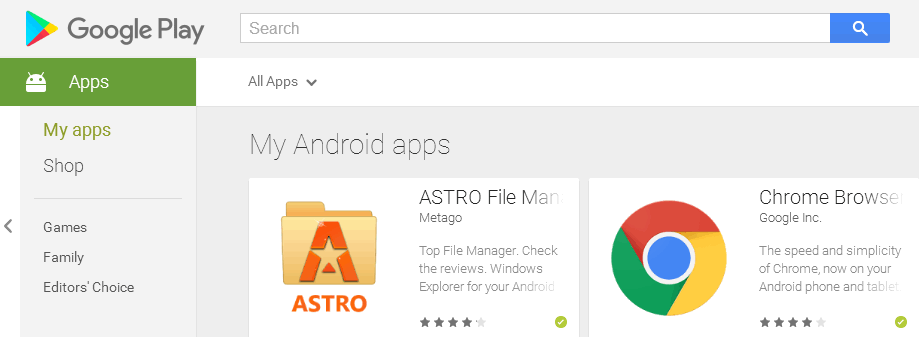
When you install an app on your Android device it is automatically added to My Apps list. This can be useful when you buy a new Android device, log in to your Google account and want to reinstall everything you had on your previous device.

But after a while there is a lot of stuff in the list and most of it you don’t use or even don’t remember. That is why you may want to make this list a bit shorter.

Read more

How to Check Uptime on Android Phone

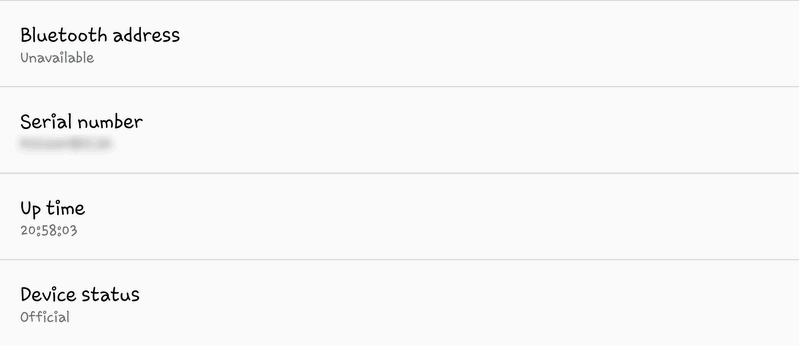
It is a reasonable question How long has my Android device been working by now? You may want to know uptime if you are curious about:

  • is it time to replace the battery?
  • is your device’s mobility okay?
  • how long has your android device been working without reboot or power down? Is is time to reboot it for better performance?

Here is how to find this information.

Read more

How to force Android to use only GPS to estimate the location

As you probably know Android operating system is very smart to locate you. It uses GPS, nearby Wi-Fi networks and mobile data at the same time for better results. By saying “better” I mean faster and more accurate.

But it is not always clear which method it uses right now to locate your device. So you may want to force your Android device to use GPS only to estimate your location.

This will allow you to test the work of the GPS module in your device (test its accuracy and sensitivity) or to find out which positioning method works better in a particular area. And here is how to do this.

Read more

How to find the router’s IP address on Android

The question: I need to configure my router, but I do not have neither laptop nor desktop PC at the moment – only my Galaxy S7 smartphone. The phone is connected to my wireless network, obtains an IP and Internet is working well.

So the first thing I need to do is find the IP address of my router to be able to log in to the web interface. Could you please tell me how to find the router’s IP address on Android?

This article will be especially helpful if your router has a non-default IP address.

Read more

How to add a website link to the Home Screen on Android

What do you usually do to open the website? Firstly you launch the browser app. Then you tap on the address bar and then type the first words of the site’s name or tap on the icon in the favorite sites area. But do you know that you can access you favorite websites with one tap? Today we will tell you about a very easy but quite useful thing: how to create a shortcut to a website and add it to home screen on Android. This shortcut would be displayed on your home screen next to apps and would take you directly to a certain web page. In such a way you can quickly access you favorite websites right from the home screen.

Read more