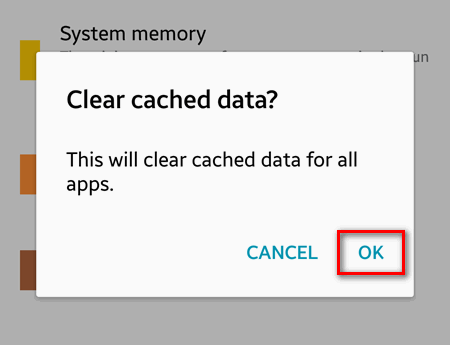
The more apps you have installed on your Android device – the less free space you will have in the internal storage. On top of that, the cache often uses a lot of storage on your phone or tablet. But free space is never too much. That’s why you may want to clear the cache if you are running out of free space on your smartphone or tablet. So if you have a device that runs Android 5, this guide is for you.
Android
Guides, tips and tricks, related to Google’s mobile OS – Android. Here we list articles about configuring features, customizing apps and solving problems that are common for all Android devices, regardless of skin (UI, software overlay) or manufacturer.
Facebook can’t be installed. Error code: -504 on Android. How to fix?
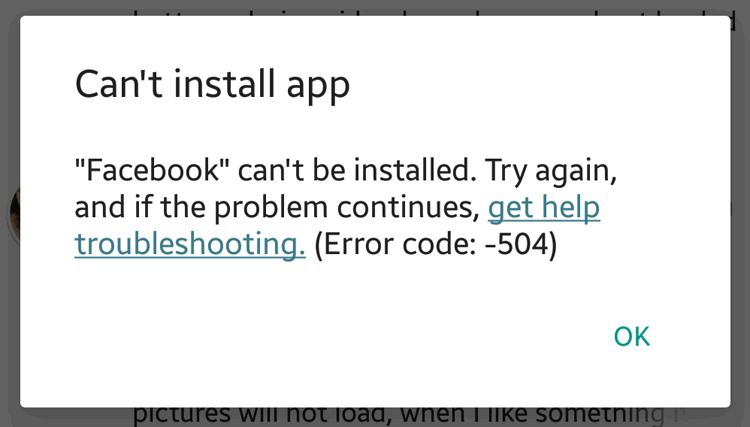
Trying to install the Facebook app for Android many users encounter the following error:
Can't install app
"Facebook" can't be installed. Try again, and if the problem continues, get help troubleshooting. (Error code: -504)
Here you can find the solution that worked for us.
How to Restore the Original Launcher on Android Device
Today we will explain how to restore the original launcher on Android device. As an example we will take Samsung Galaxy smartphone and show how to restore the default home app – TouchWiz.
How to take a screenshot on Samsung Galaxy Ace
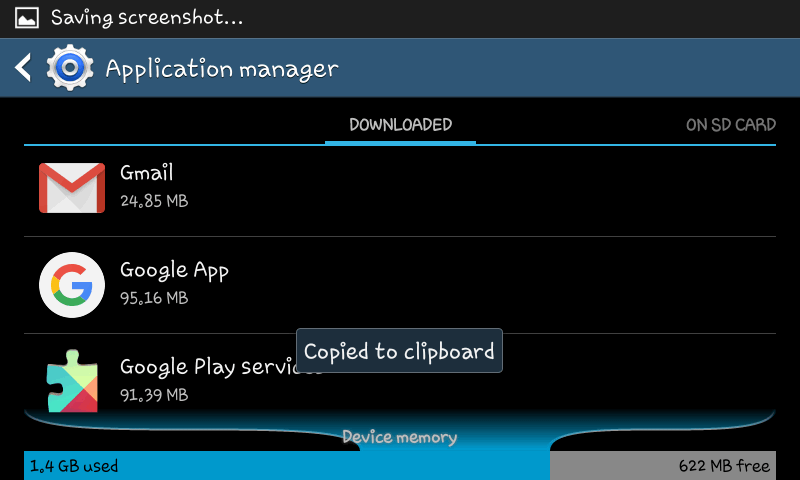
People use screenshots very often. They serve to save some important information displayed on the screen. Sometimes we take it not to forget something, another time it can be used as an evidence. For instance, you can send the screenshot of an error to the developer of some app for them to better deal with it and finally release a fix. Here is how to take screenshots on Galaxy devices.
How to stop services, processes and background apps on Android
Some apps can pretend that they are shutting down but in fact they stay active in the background and continue sending data, wasting battery or even showing your status as “online”. That is why you may want to manually stop some processes or services on your Android device.
Cannot connect to WiFi on Android: Saved, Secured
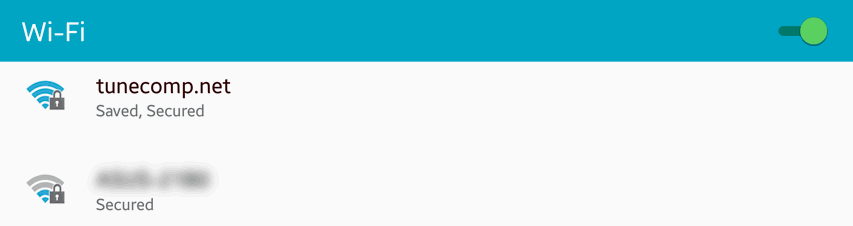
The issue: android smartphone cannot connect to wi-fi. It displays “Saved, Secured” under the network name. In this article we will talk about possible reasons of this issue. Besides that we have a guide on how to fix the problem.