Smart Storage Feature In Android 8 Oreo: Free Up Space Automatically

What Is Smart Storage In Android 8 Oreo

Photos and videos are the things that consume the space most of all. In Android 8 Oreo you have a nice feature called Smart Storage. It Allows you to automatically delete images and video files that has been already backed up to cloud. You can specify the period of time how long your content will be deleted from the device after being backed up – 30, 60 or 90 days. Of course, in most cases it is wise to choose 30 days. So it is highly unlikely that you run out of free space on your device. well, here is how to enable it and set up. All screenshots taken on our Google Pixel ‘2016.
Read more

Download An APK File Of Any Android App From Google Play

download APK file of any Android app

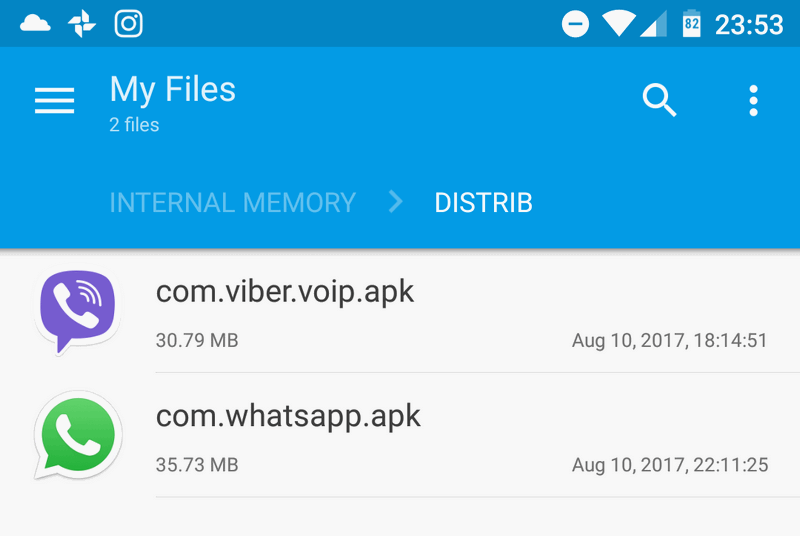
From this article you will learn about several websites where you can download any app as an .apk file for free. You may need an .apk file if you want to run some app on Android emulator, you are using LineageOS (former CyanogenMod) without Google software or, perhaps, install in onto an ordinary Android device without Google Account. 

Read more

WiFi Not Working On Android: Phone Won’t Connect To Wi-Fi With Correct Password

Wi-Fi 5 GHz 802.11ac

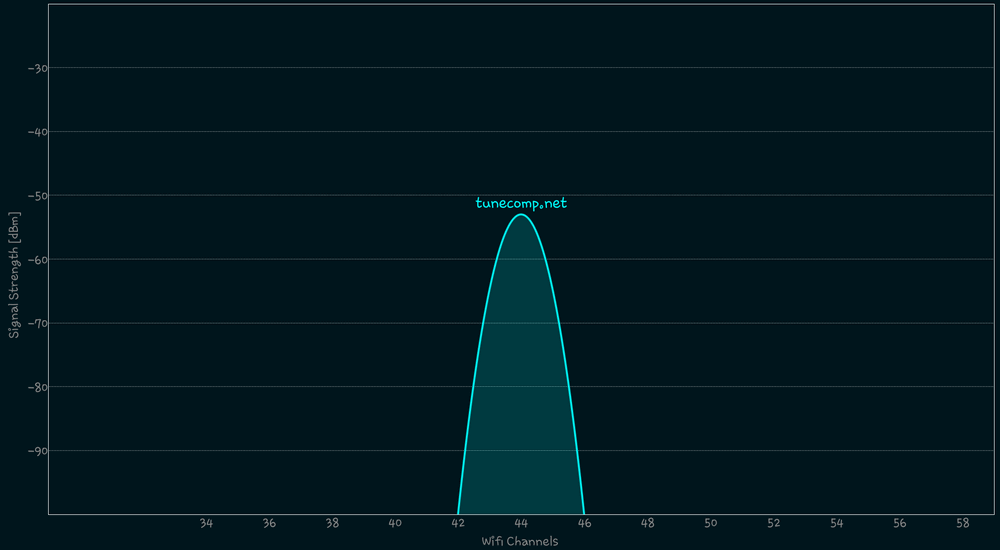
Some time ago we wrote about how to fix issue with Internet access. In this article we will mention all possible reasons and solutions to fix WiFi not working on Android device such as phone or tablet. The problem may look quite different. For instance:

  • All mobile devices connect to Wi-Fi except one.
  • Mobile device connects to all wireless networks but won’t connect to your home router.
  • Android phone (tablet) connects to Wi-Fi but suddenly disconnects for no obvious reason soon (or after a definite period of time).

Read more

How To Boot Into Recovery Mode On Google Pixel (Pixel XL)

recovery mode Google Pixel

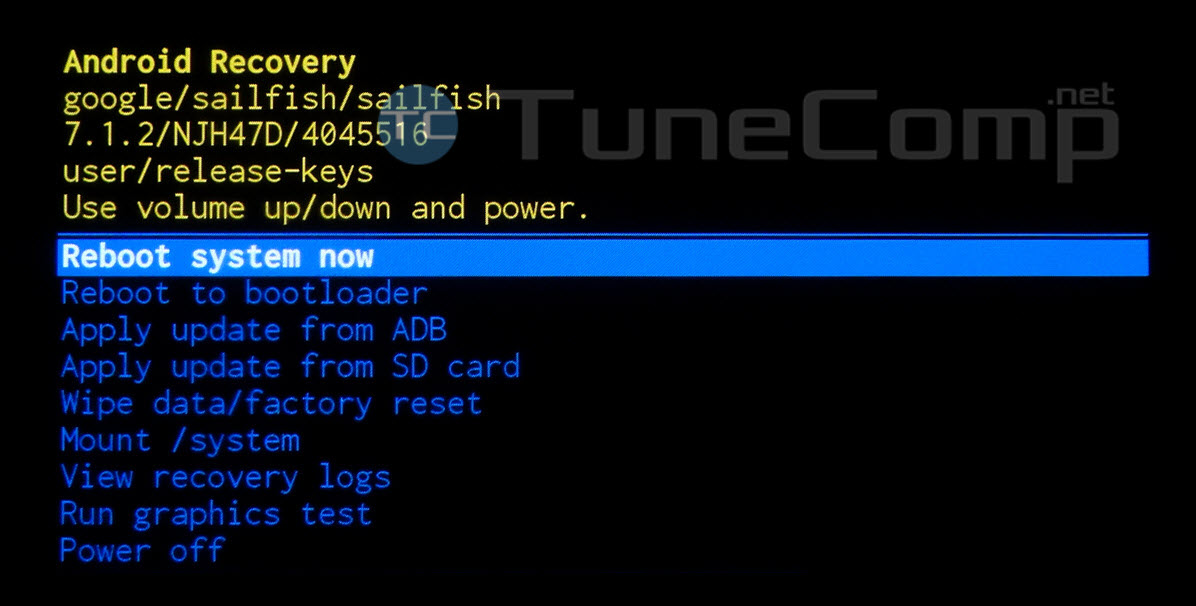
Recovery mode allows you to apply an update, view information like IMEI, serial number or factory reset your device (especially if you cannot do it from Android settings: e.g. your Android is stuck on logo and won’t boot normally or it is constantly performing a boot loop). Here we will explain how to enter Android Recovery Mode on Google Pixel and Pixel XL phones.

Read more