How to roll back Windows 10 to the previous state using a restore point

how to restore windows 10 to restore point

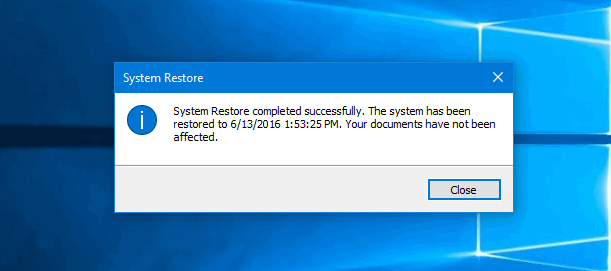
Here is how to rollback Windows 10 to the state it was is before using a previously created restore point.

This may be very helpful in case if want to undo certain system changes that are causing issues. For instance, you can roll back your Windows 10 to the previous state after installing a faulty driver or update that makes OS work unstable.

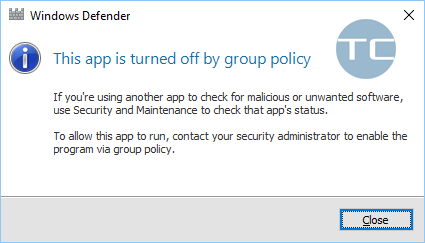
But note, that you need to do two things before you will be able to roll your system back: enable the system protection (yes, it is disabled by default which is weird) and create a restore point in advance, when your system works fine.
Read more

How to Create a Restore Point in Windows 10

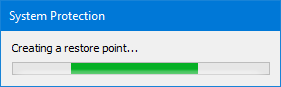
How to create a restore point in Windows 10

Why You May Need It?

Creating a system restore point may help to recover your OS Windows without reinstalling it from a scratch in a case of a serious problem: for example, if your OS got infected with a malware, your PC suddenly started slowing down, freezing, glitching, rebooting by itself or the system files have been corrupted due to any other reason. Note that you need to enable system protection first to be able to use the roll back. You should know, that creating restore pint does not guarantee that you will be able to recover your OS in 100% of cases. But nonetheless, it gives you more chances to restore your PC to a working condition in case of unforeseen circumstances. Please note that for a more reliable backup of the operating system, you should create a full disk image.

Read more

5 Ways to Open Run Command Box in Windows 10

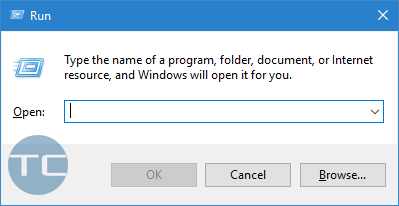
The Run command box is commonly used to launch the registry editor, system configuration, group policy object editor and other settings in Windows. On this page you will find 5 most convenient ways to open the dialogue in Windows 10.

The first one is my favorite. Get used to using this method and everybody around will say that your are using Windows 10 like a pro 🙂

Read more

How to Reset Microsoft Edge to default settings in Windows 10

MS Edge is a part of Windows 10 OS and cannot be uninstalled or removed completely like its predecessor Internet Explorer. If you experience glitches and unstable work of the Microsoft browser or just want to clear all your traces from the browser you may want to reset its settings. There are two ways to reset Edge: soft and hard reset. Here is how to reset Microsoft Edge to default settings in Windows 10.

Read more