
Desktop users do not actually need the Lock screen. It is more suitable for mobile devices but on PC it just requires an additional key stroke. Read further and you will learn how to disable the lock screen in Windows 10.
How to Extend the System Volume (Disk C:) on Windows 10 PC
In this guide we will explain what to do if you encounter problems with low disk space on the system partition. Before you resize volumes make sure disk C: is not filled with junk, obsolete or useless files.
How to assign multiple IP addresses to a single PC
In some situations you may want to specify several IP addresses at once on a single network interface. For example, you can assign addresses from different subnets with different masks. Thus it will be possible to access your PC using any of those addresses.
How to boot into Safe Mode in Windows 10
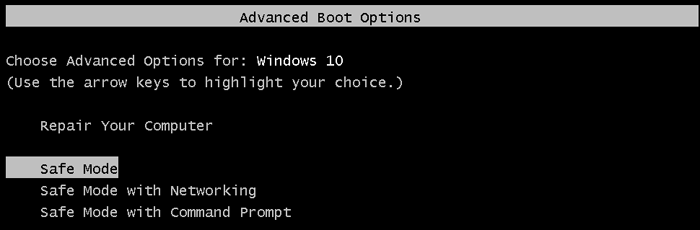
It is not so easy to boot into Safe Mode in Windows 10. First of all you need to find it in troubleshooting options. We will try to list all possible ways to enter Safe Mode. Hope you will find a suitable one.
How to get back F8 boot menu in Windows 10
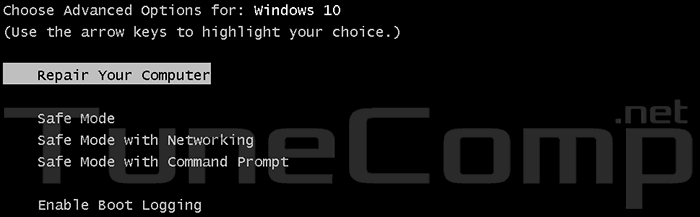
If Windows 10 crashes you need to use external bootable disk to diagnose PC: to enter the Safe Mode, reset or restore OS in particular. The F8 boot menu does not work anymore. Here some information about how to get it back in Windows 10.
How to take a screenshot on Samsung Galaxy Ace
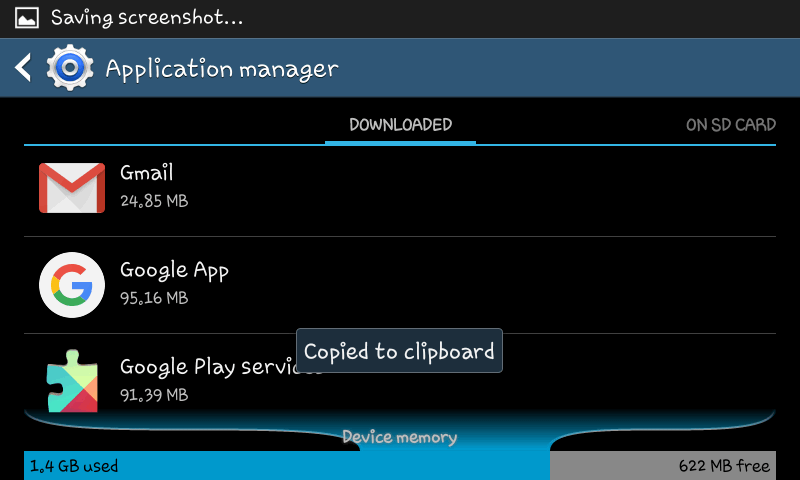
People use screenshots very often. They serve to save some important information displayed on the screen. Sometimes we take it not to forget something, another time it can be used as an evidence. For instance, you can send the screenshot of an error to the developer of some app for them to better deal with it and finally release a fix. Here is how to take screenshots on Galaxy devices.