How to Block Calls from Private and Unknown Numbers on OnePlus Phone

OnePlus Block Calls from Private Unknown Numbers

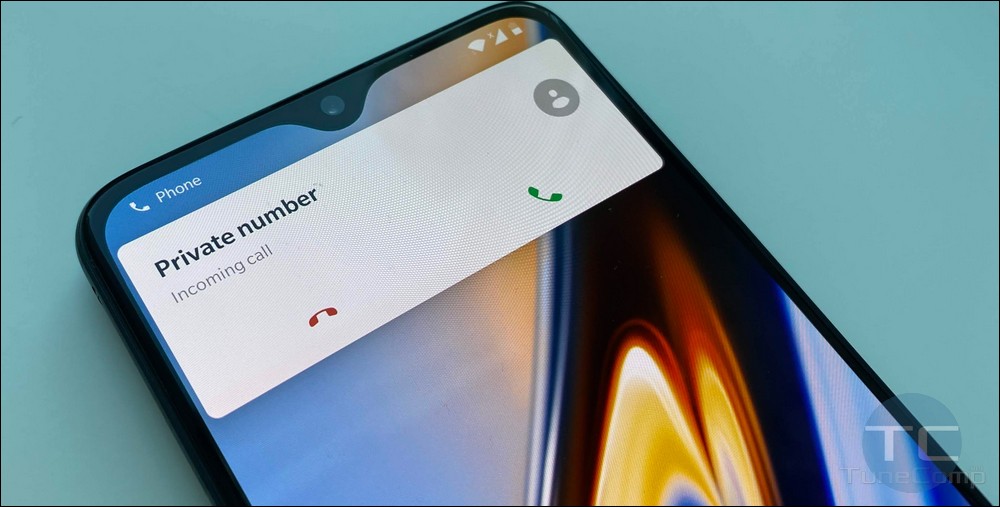
If you own a OnePlus phone of any generation, you might know that there is no possibility to block calls from unidentified numbers (private, unknown, hidden) out of the box.

If you search for the solution on the Internet you will possible find a lot of forum posts suggesting to install some third-party apps from dubious developers.

Some of these apps are paid, some are free but will bother you with their ads. But the worst thing about call blocking apps that they often can’t actually block all unwanted calls including calls from unknown and private numbers.
Read more

How to Fix “Obtaining IP Address” and “Failed to Obtain IP Address” Wi-Fi Errors on Android

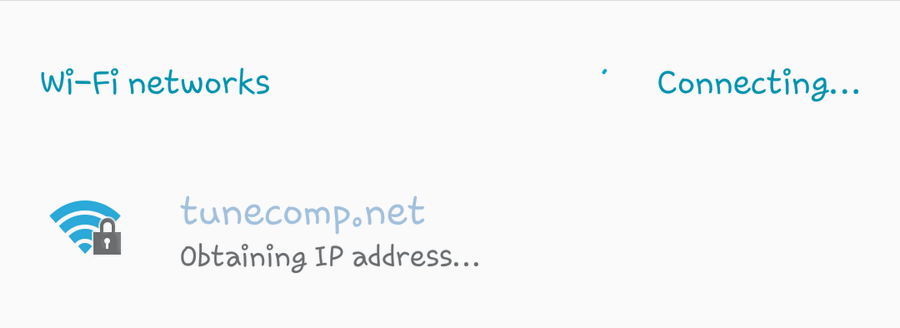
The problem we are going to talk about in this article is the following: an Android phone or tablet gets stuck on “Obtaining IP Address” while connecting to a Wi-Fi network or says “Failed to Obtain IP Address” in the end. 

Stuck Obtaining IP address is a very common Wi-Fi issue on Android devices. You can encounter it on all versions of Android OS.

The error appears when you try to connect either to already saved Wi-Fi network or after you typed a password for a new wireless network.

Read more

How to Change Lock Screen Notifications Transparency on Galaxy Phone [Android 10, 9, 8]

transparent lock screen notifications Galaxy S

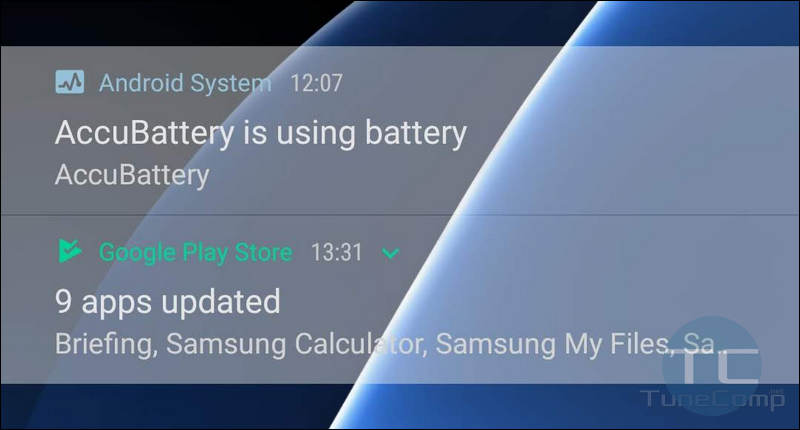
Here is how you can make lock screen notifications more or less transparent on Samsung Galaxy S20, S10, S9, S8, S7, Note 10, 9, as well as A-series, J-series and any other phone with One UI or Samsung Experience on top of Android 10, 9, 8 or 7.

Tweaking the transparency setting you can make your Galaxy phone’s lock screen look awesome. Here is how to do it.

Read more

How to Remove a Phone from Trusted Devices in Google Account Settings

Google 2-Step Verification Check Your Device

Sooner or later Google app will suggest you to use your device to accept and decline the access to your Google Account. If you agree, you will receive log in requests on this device when you sign in to your account on a new piece of hardware.

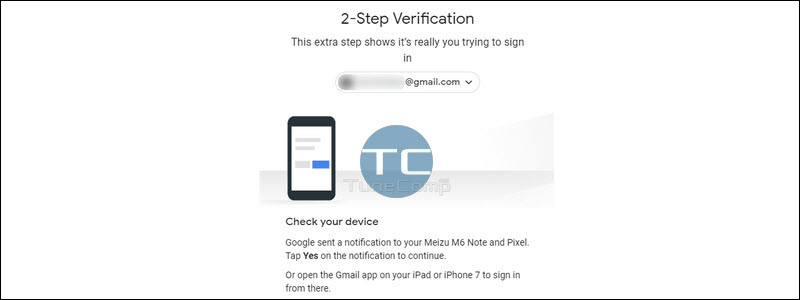
You will see the “Unlock your Pixel” or “Unlock your Galaxy S10” prompt on a new device, then you are to take your trusted device in hands and tap Yes to confirm that it is really you trying to log in to your Google account (Gmail, YouTube, Google Photos, or whatever from Google ecosystem).

But in some cases you may want to exclude a particular phone or tablet from the list of trusted devices.

Read more

Power Button Instead of Bixby – Remap the Side Key on Galaxy Note 10

In their new Galaxy Note 10 and Note 10+ Samsung suggests to use the side key as Bixby on long press. In such a way, if you are using the default settings you will wake your phone or lock it if you short press the side key and launch the Bixby assistant if you hold it down.

And you are supposed to tap the power icon in the pull-down shade if you are eager to power off or reboot your phone.

You can’t remap the short-press actions on Note 10 because they are hard-coded but the long-press and double press functions can be easily changed in the Settings without using any third-party apps. And here is how.

Read more