Contents
Zemana Antimalware is a powerful tool designed to detect and remove various threats: malware, unwanted programs, hijackers, adware, trojans and viruses. The utility has a fully functional free version capable to clean your PC from the hardest infections using cloud-based removal technologies. Here is how to remove malware using Zemana Antimalware Free.
Go to the official website:
https://zemana.com/AntiMalwareFree
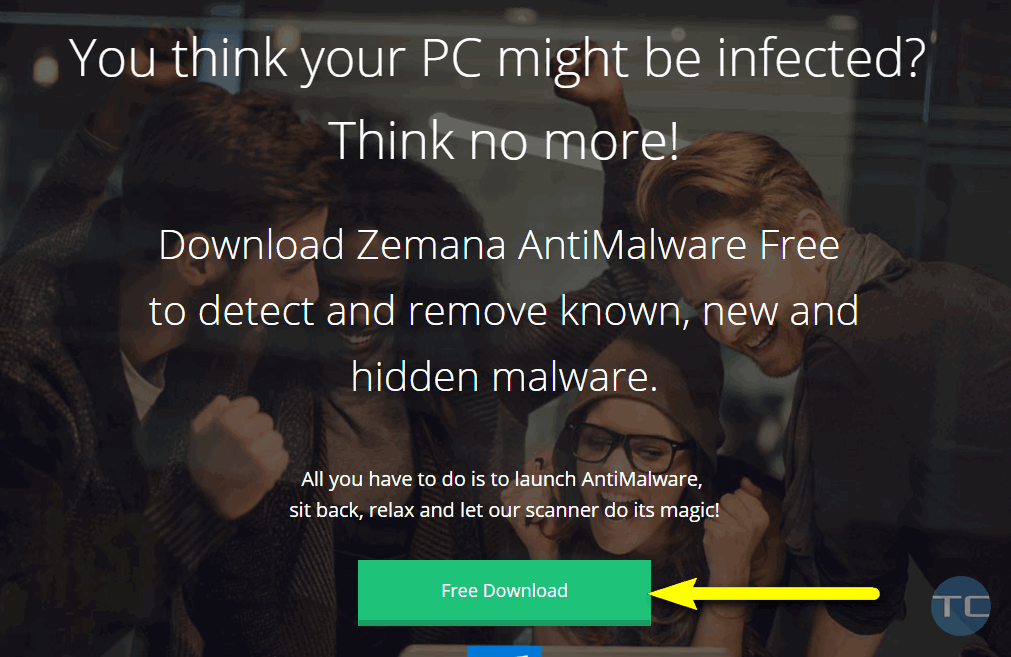
Click on “Free Download”:
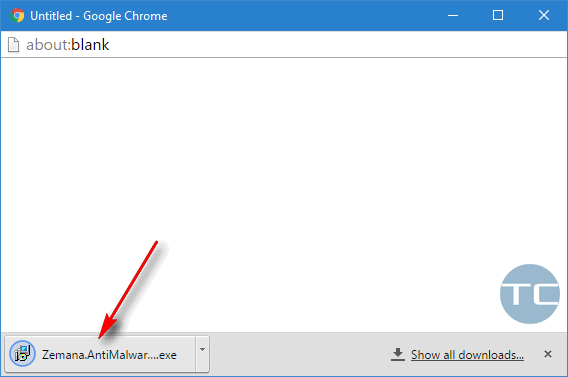
Open the downloaded file (look for it in a new browser window):
Click “Yes” in the UAC window:
And click “Next”… “Next…” until the installation is done.
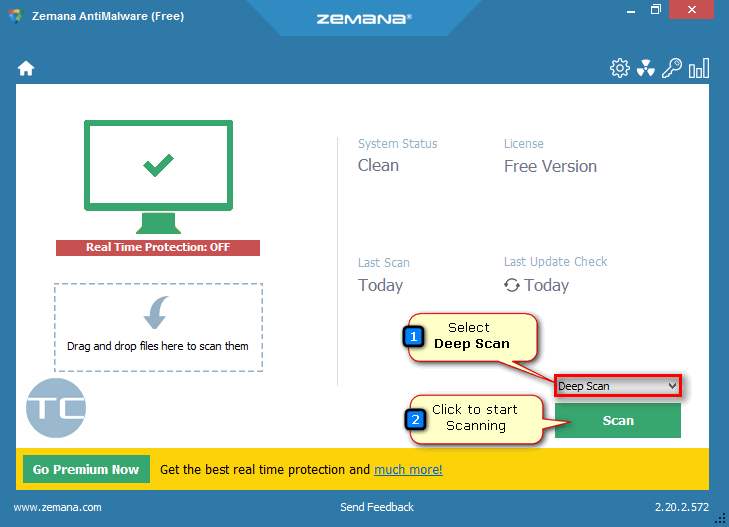
You may start with “Smart Scan”. But if you have enough time and you beleive that the infection is serious you’d better switch to “Deep Scan”. Then click “Scan” to start searching the malware:
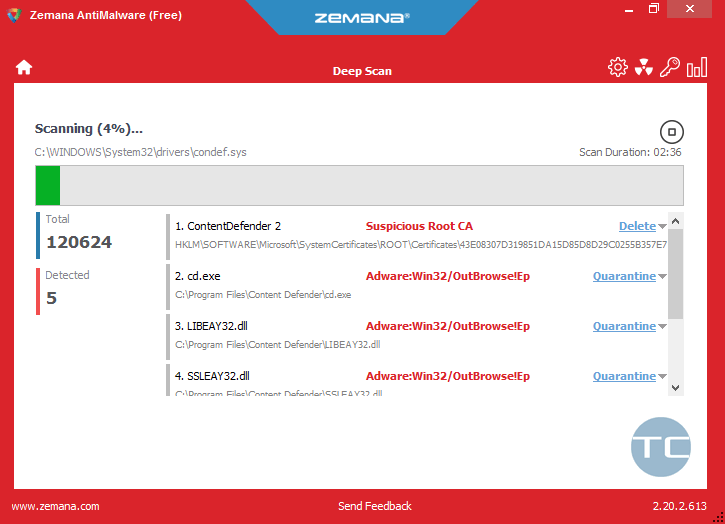
Zemana window will turn red if it detects malware. Wait until the end of the Scan process.
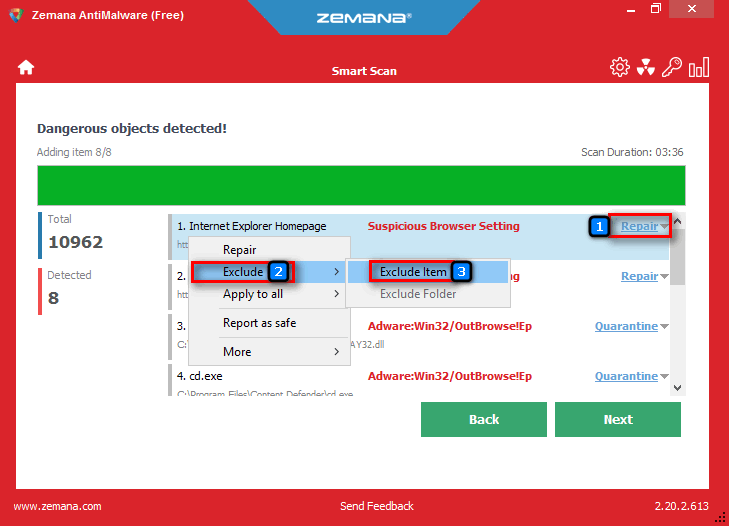
If you see that the utility has detected a harmless item as a malicious one, you can right-click it and tell the utility to “exclude item”:
When the scan is done, review all detected objects and ensure that all items marked for deletion do not include your trusty files, apps or extensions.
As you can see, Zemana successfully detects adware and unwanted programs, browser hijackers and other minor threats.
Click “Next” to remove all detected malicious items.
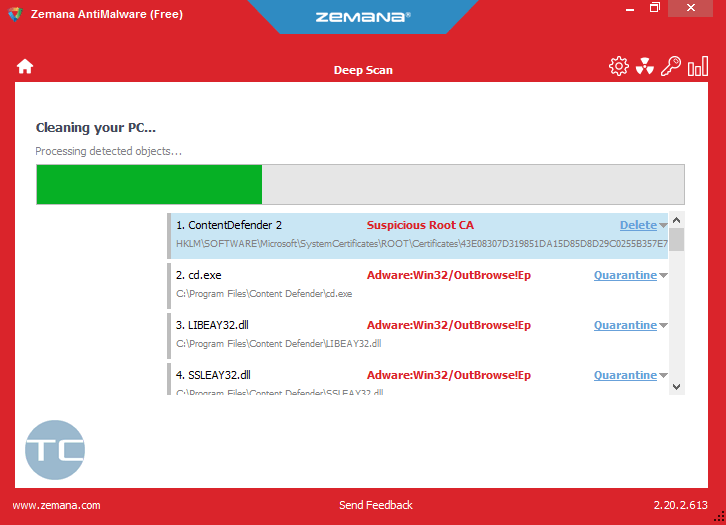
Wait while Zemana is removing malicious objects:
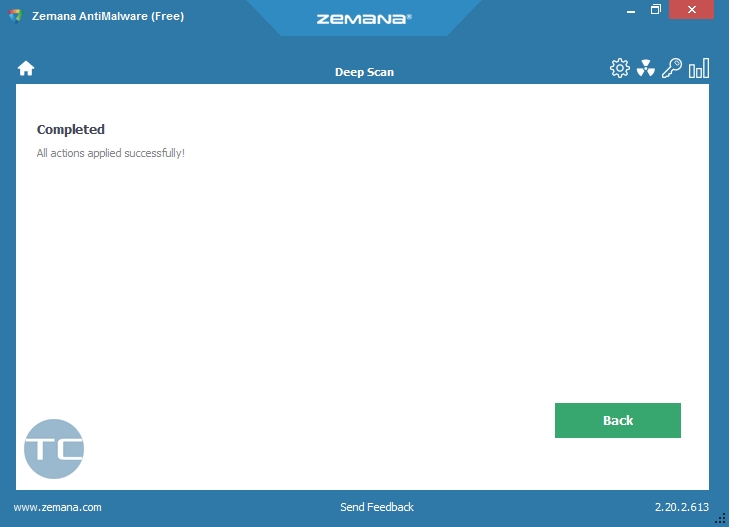
Malware removal completed:
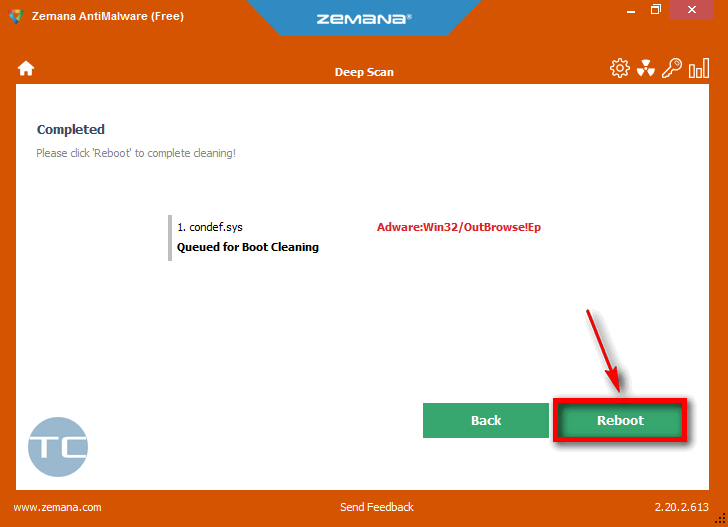
It happend that some items can be deleted only after reboot. It is OK. Click “Reboot” in this case:
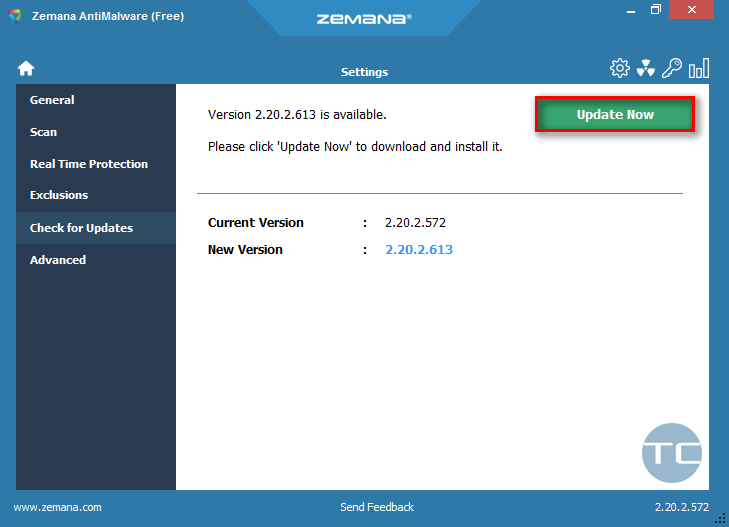
If you see the nofitication “There is a new version of Zemana AntiMalware available”, click on it:
And then click “Update Now”:
The program will be updated quickly so you will be able to use it in a minute.
This website uses cookies.
Read More