What is HitmanPro
HitmanPro is a powerful malware removal tool. It has a fully-working 30-days trial version. The utility does not need to be installed and is very easy to use. It is great as a second opinion anti-malware scanner because:
- it is very successful in detecting various viruses, trojans, rootkits, etc;
- the utility is great at detecting zero-day malware;
- the utility is designed to work alongside existing security programs without any conflicts.
Download
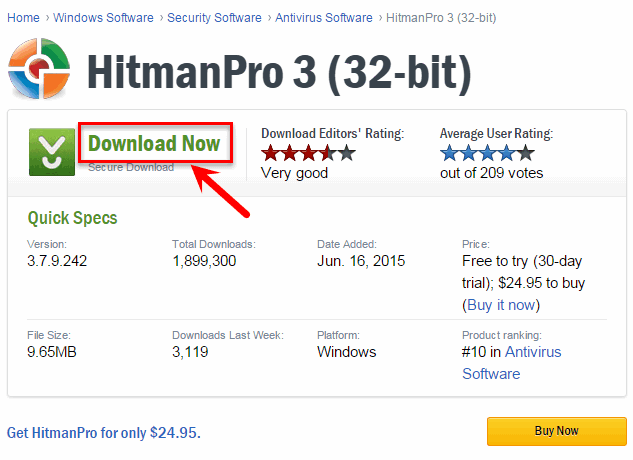
Download HitmanPro from the official website: https://www.hitmanpro.com/en-us/hmp.aspx
Choose 64-bit only if you are going to cure a 64-bit Windows operating system.
Click Download now:
How to Remove Malware Using the HitmanPro Program
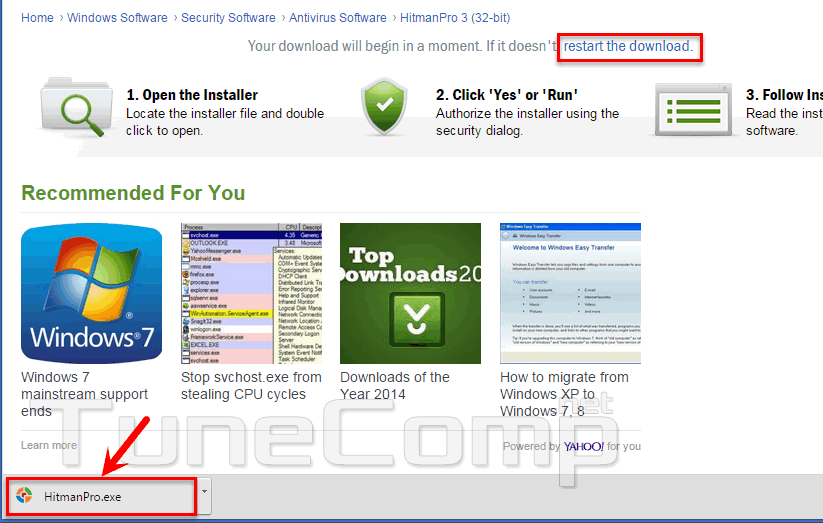
Launch the downloaded file HitmanPro.exe:
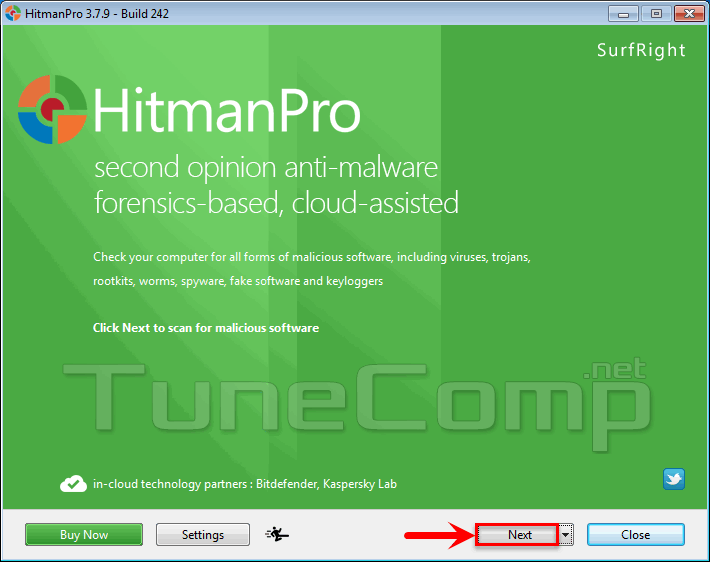
Click Next:
Set the checkbox I accept… and click Next:
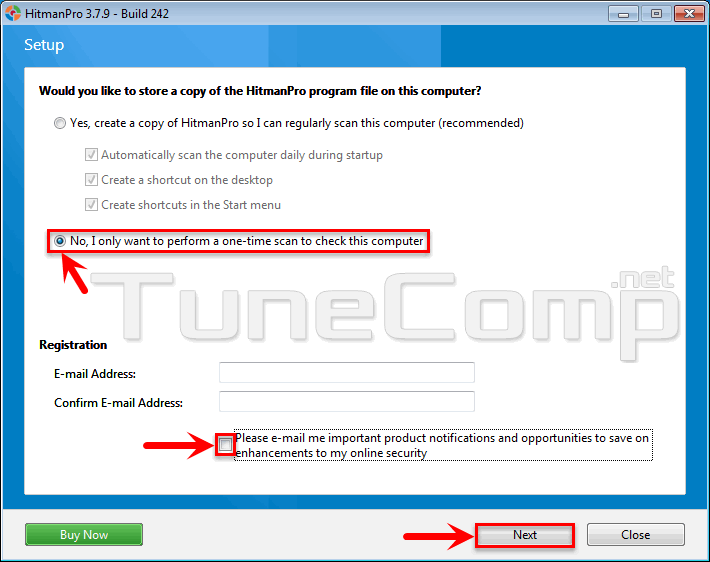
If you want to start removing the malware as quickly as possible:
Select No. I only want to perform a one-time scan…
Unset the checkbox Please e-mail me…
Click Next:
Now the scan process starts:
When the scan is over you can see all found malware.
Click Next:
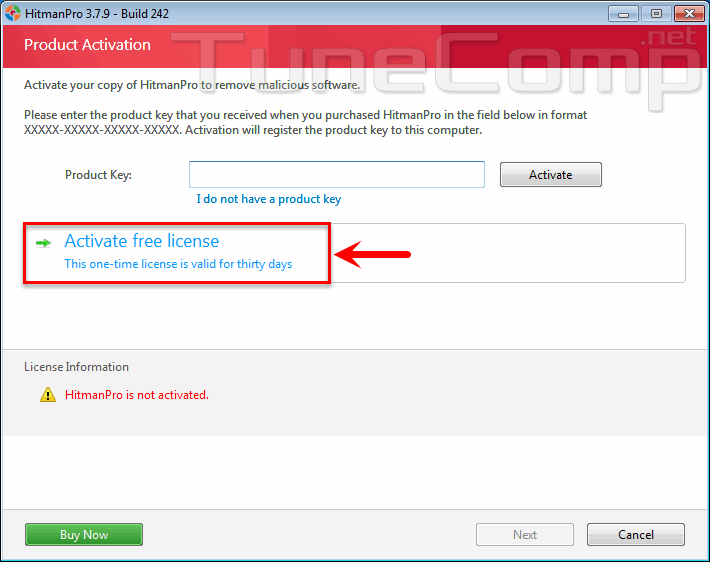
Click on Activate free license:
Enter your e-mail twice and click Activate:
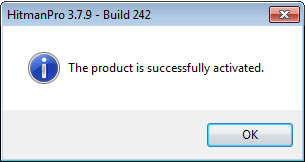
This message means the 30-days trial version is ready to work. Click OK and Next:
Right after that the removal process starts. Please wait:
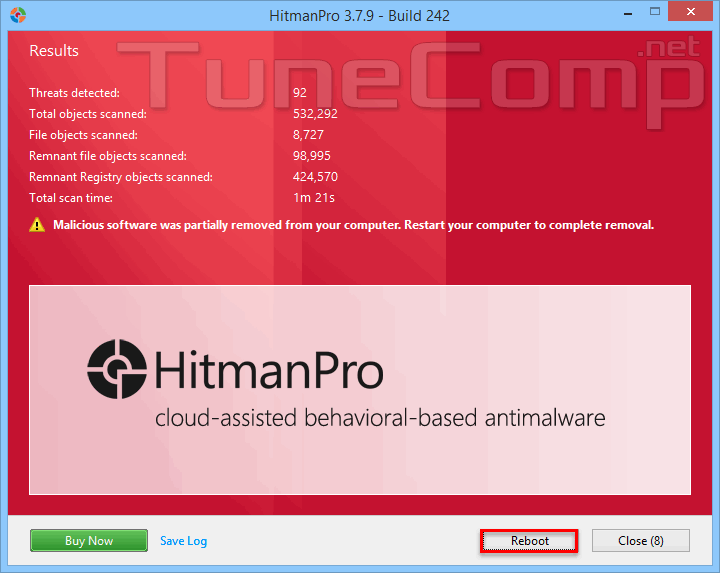
Here you can inspect the removal results:
Sometimes it is necessary to reboot your computer to completely remove the infection:
Share your experience in the comments.
Adam Swift Adam is a real tech maniac. He likes to spend time testing phones, tablets, laptops, as well as any other technical devices, and write practical manuals on their functions. He often sleeps all day, but always works at night. Adam bought his first computer in 1999, being an absolute beginner who never held a computer mouse in his hands. He began to study Windows, constantly experimented and often crashed the operating system. But six months later, he was able to reinstall Windows 98 from a scratch on his own, fix almost any software problem on a PC, he also did hardware upgrades and realized that computers, operating systems and programs are now his biggest passion. In addition, Adam has always been a big lover of phones. With the advent of smartphones with Android OS, he began to pick at them much more than in computers. Now Adam loves to study privacy issues in instant messengers, blocking unwanted calls and other nuances related to privacy and security on the network. You can follow him on Twitter: https://twitter.com/tunecomp