Contents
Media Creation Tool always downloads a fresh image with the latest updates. So it is highly recommended to create a bootable USB with the tool right before the reset. Below you will find a step-by-step guide on how to reset Windows 10 even if the OS doesn’t boot.
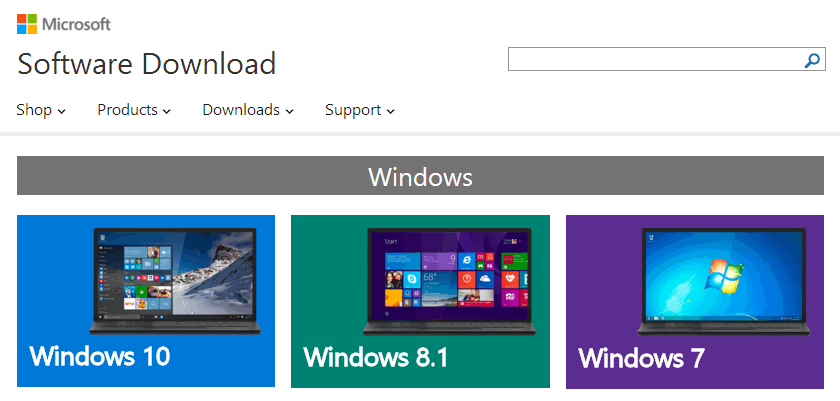
Go to the official Micosoft site:
https://www.microsoft.com/en-us/software-download/home
Choose you OS version:
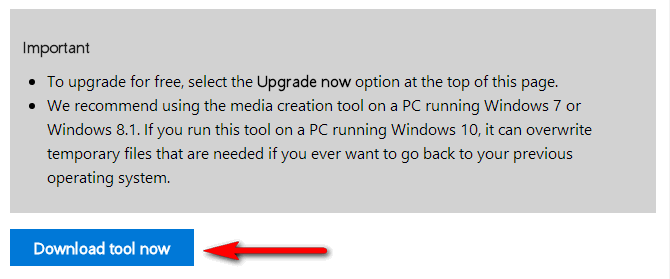
Download Media Creation Tool for your OS version:
Attention! There are two different versions of Microsoft Media Creation Tool for Windows 8.1 and Windows 10. They are different even by their file size.
launch the Media Creation Tool.
Choose Create installation media for another PC:
Select language, edition and architecture. If you leave Use the recommended options for this PC checked you will create a bootable media with exactly the same OS as you are currently running:
Than you need to connect the USB flash, press Next and wait until the media is created.
When the USB flash drive is ready reboot your PC and boot from USB flash. Press any key when you see this:
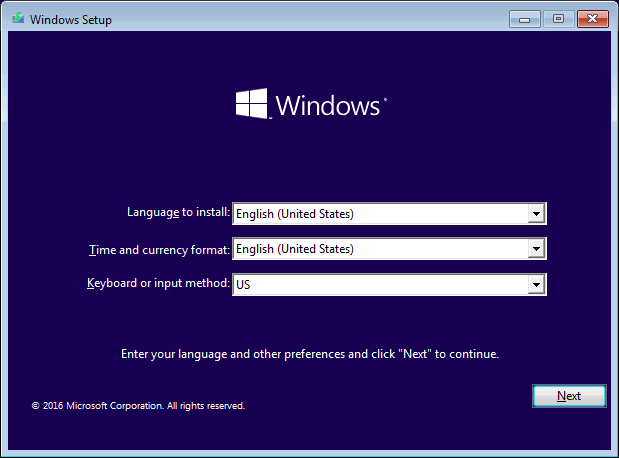
Select Time and currency, input method and press Next:
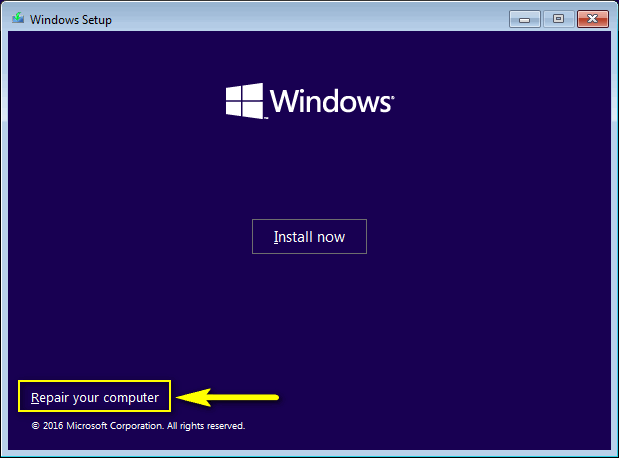
In this window click on Repair your computer:
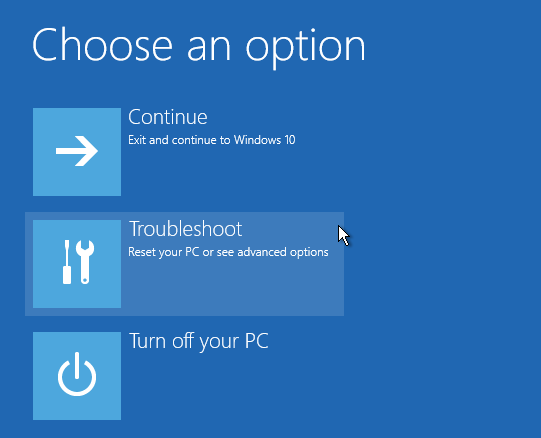
Click Trobleshoot:
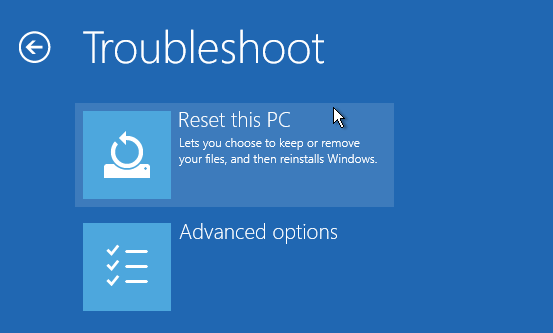
Reset this PC:
Here it is recommended to select Remove everything:
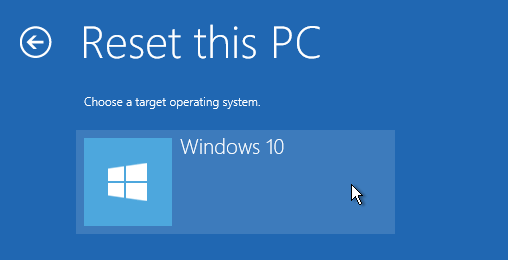
Select your OS:
Wait…
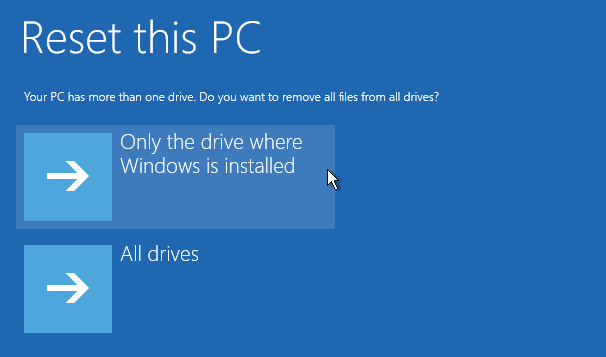
For most cases it will be suitable to clean only the drive containing OS Windows:
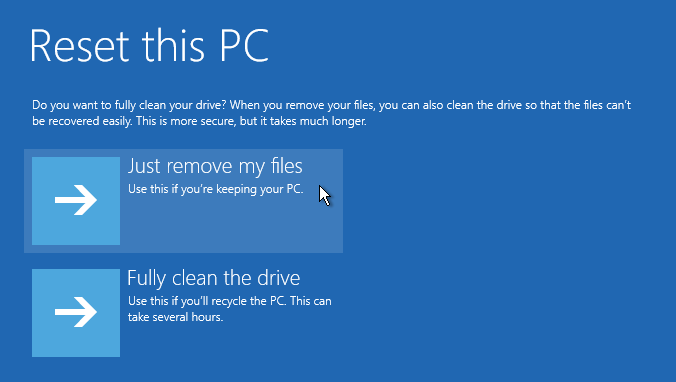
Here click on Just remove my files if you don’t plan to sell your PC:
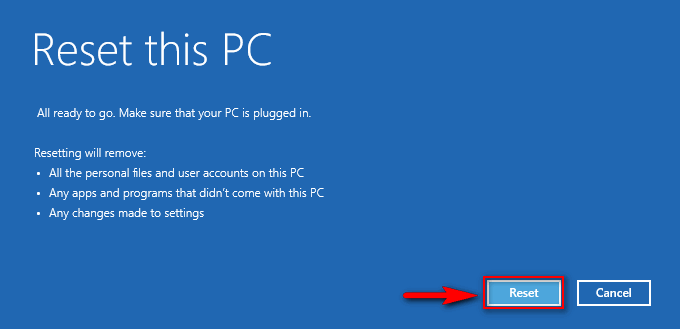
Press Reset to start the reset procedure:
If everything went OK you may want to delete Windows.old folder with your previous Windows installation.
This website uses cookies.
Read More